

Generate JSON-LD
Pick a schema type, enter the details shown on your page and copy the code.
Use the free tools to build JSON-LD for a real page, then follow a guide to add it to your site and test the result.
Pick a schema type, enter the details shown on your page and copy the code.
Paste JSON-LD to find syntax errors, unknown schema.org names and missing fields for Google features.
Compare the common types and find the one that describes your page.
Follow the steps for WordPress, an SEO plugin or a hand-built page.
Enter the facts your page already shows and the JSON-LD builds as you type. Fields that a specific Google feature needs are labelled, so you can see which ones are optional.
Open the LocalBusiness schema generator{ "@type": "LocalBusiness", "name": "Example"}The validator separates JSON syntax errors, schema.org vocabulary problems and Google feature requirements, then points to the next edit. A clean result means these checks passed; it does not guarantee a rich result.
Open the schema validatorFind out when a schema type fits your page, adapt the example JSON-LD, then open the matching tool to build markup for your own page.
Read the LocalBusiness schema guide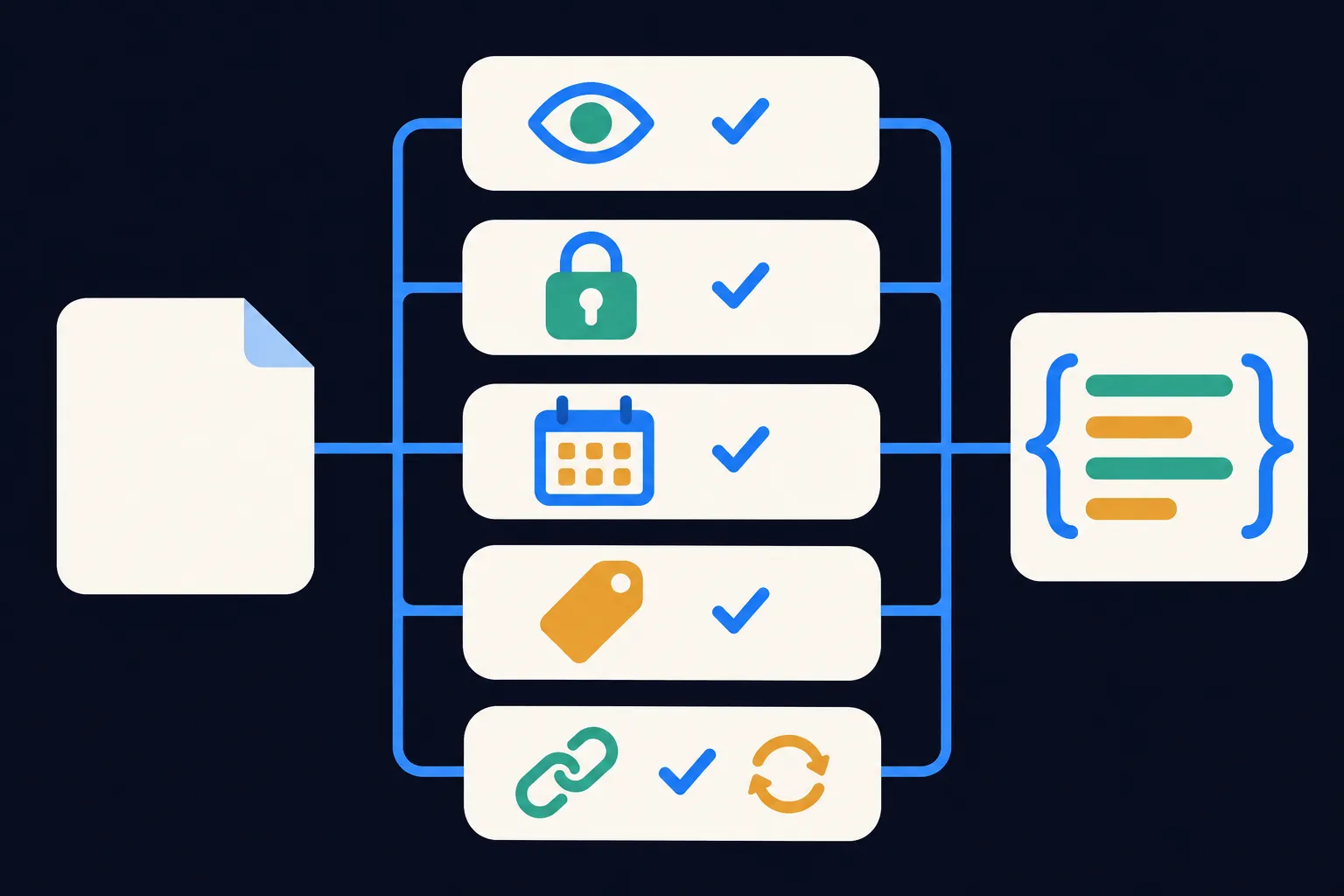
One checklist for auditing JSON-LD: accuracy, Google feature requirements, testing, other search providers and upkeep after changes.
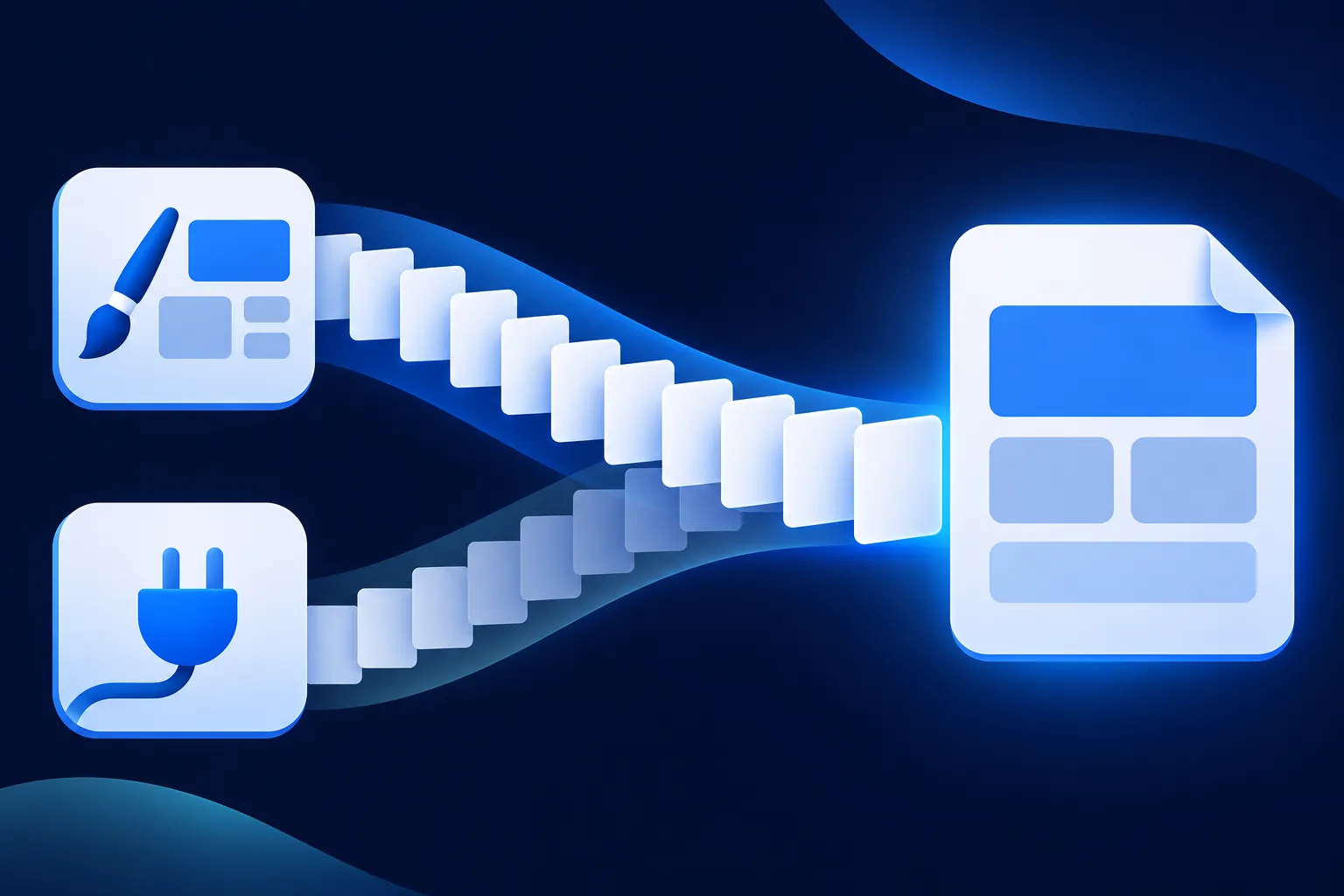
Find every schema block in the live HTML, choose one owner for each entity, remove the overlap at its source and retest.

Match a Search Console warning to its type and property, add only what the page shows, then test and validate the fix.
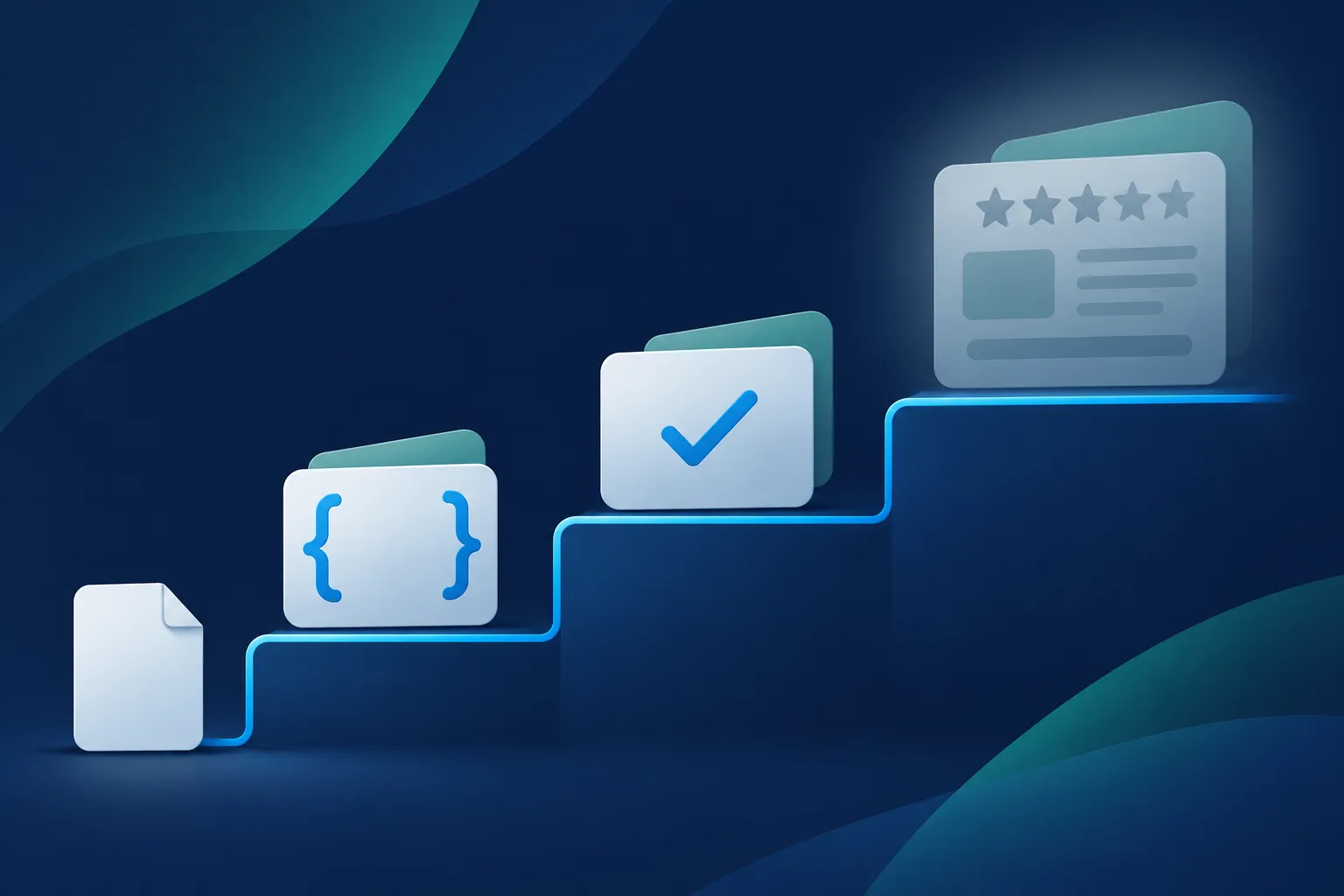
Work through the checks in order when valid markup produces no rich result: feature, live page, properties, access, manual actions and timing.
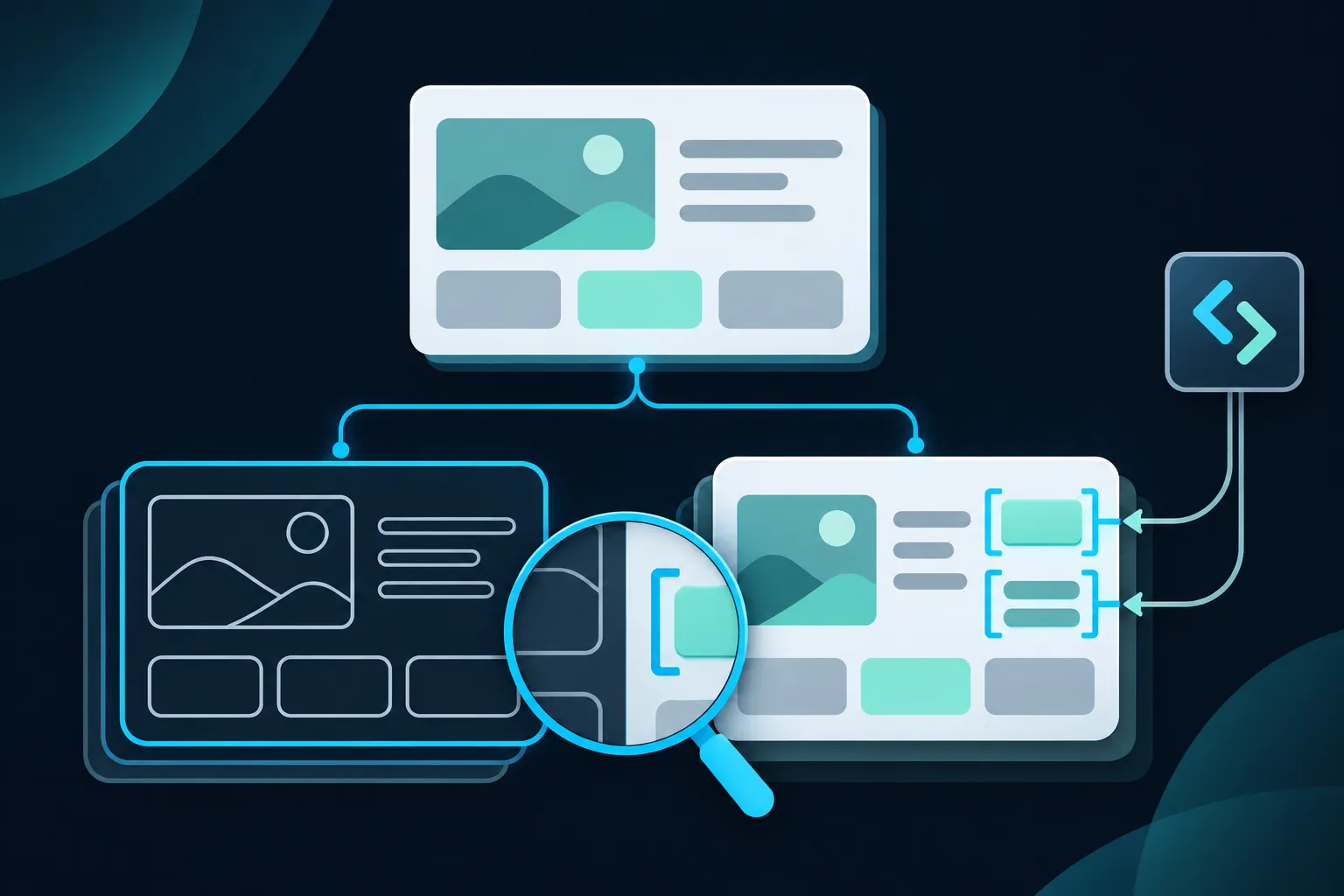
View a page's source, inspect the rendered DOM and test the URL to see which schema markup it declares.
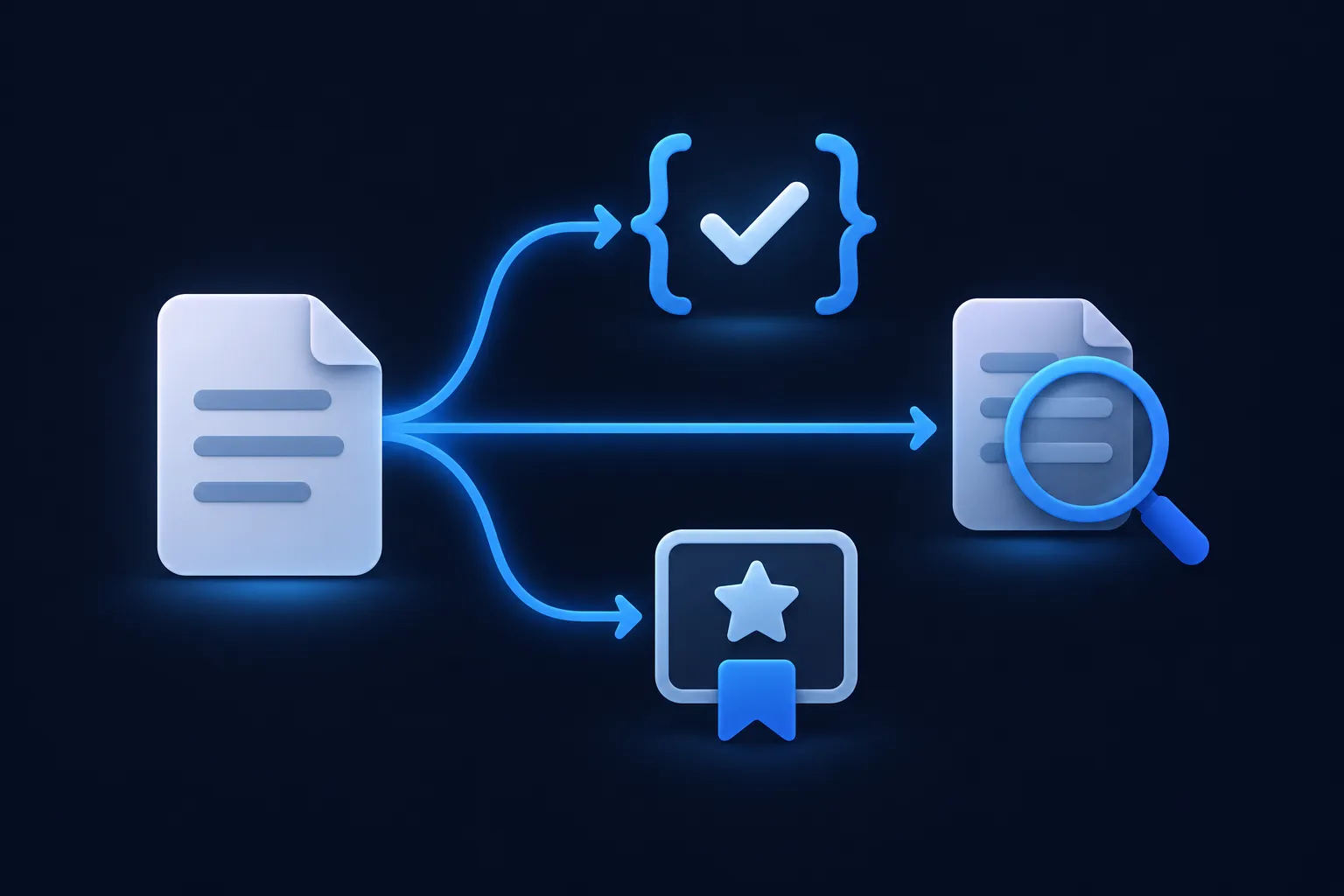
Which tool checks each step now, from writing JSON-LD to inspecting the live page in Search Console.

Google's September 24, 2026 update documents creator and four interaction types for VideoObject; the required fields stay the same.
What the September 16, 2026 release adds for product passports and ecommerce data, and which stores need to change anything.
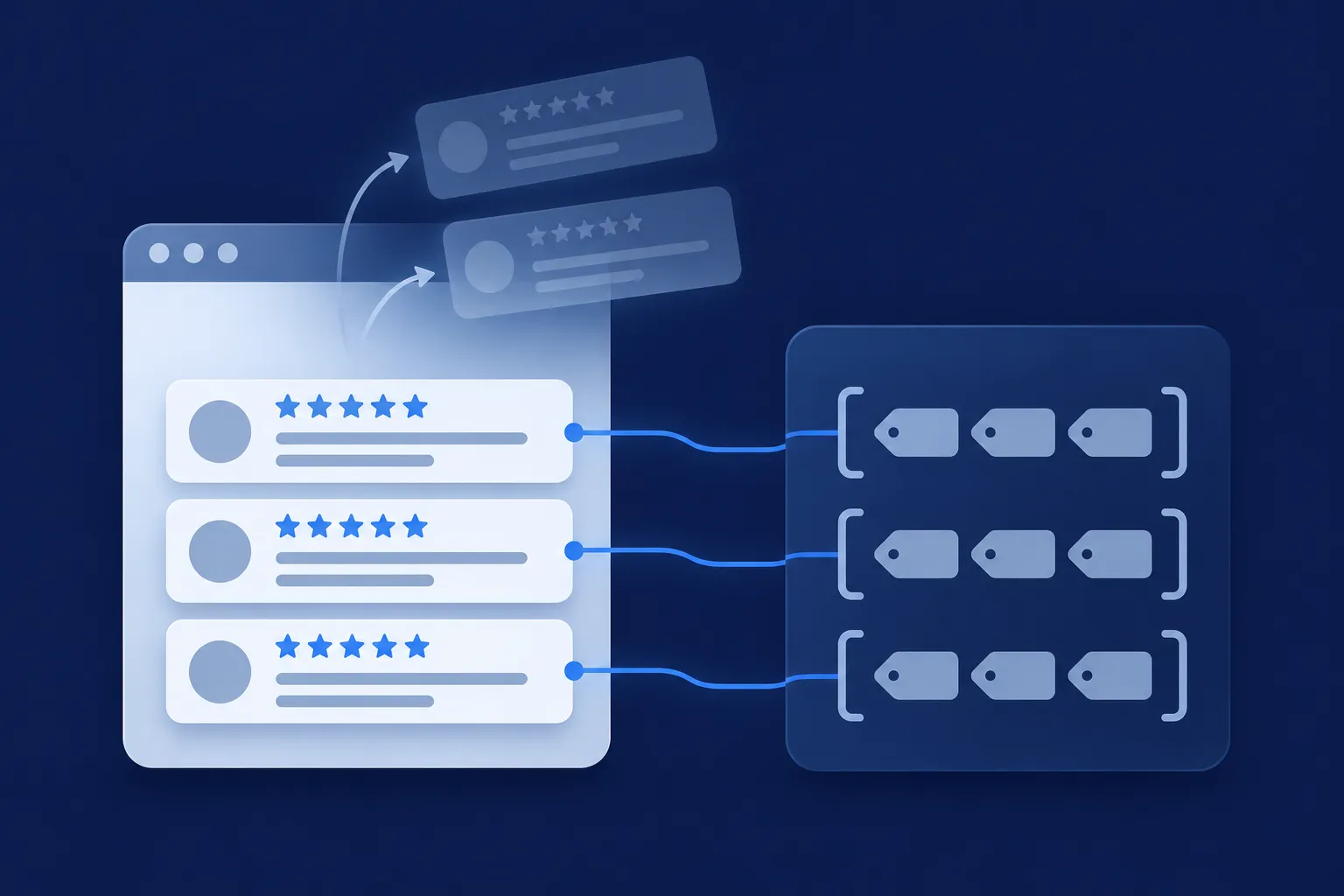
Google's July 24, 2026 guideline covers visible reviews and JSON-LD together; audit both, then update your rating and review counts.
Pick the tool that matches your page, enter its details and copy the code.
Browse all schema tools