


Pick one stable @id for your organization, reuse that exact value from your WebSite, WebPage and Person nodes, and add sameAs only for profiles that clearly represent the same organization. That is the whole pattern behind entity markup, and it works on any platform that lets you publish JSON-LD.
If a theme, plugin or platform already prints a company description, repair that block rather than adding a second one. Markup describes the entity. A Google Knowledge Panel is a display Google generates when it has enough information about an entity on the open web, so accurate markup does not force one.
Work in this order: choose the identifier, decide which profiles belong in sameAs, connect the nodes, then test the live page in each tool that documents its own checks.
Choose one @id and reuse it everywhere
An @id is a node identifier. In JSON-LD it names a node with an absolute URL so other nodes can point to it. The usual choice is the homepage plus a fragment, such as https://example.com/#organization. The fragment keeps the entity separate from the page, which matters because the homepage is a WebPage and the organization is a different thing. The W3C JSON-LD specification defines @id and @graph; it is syntax for linked data, not a Google ranking field.
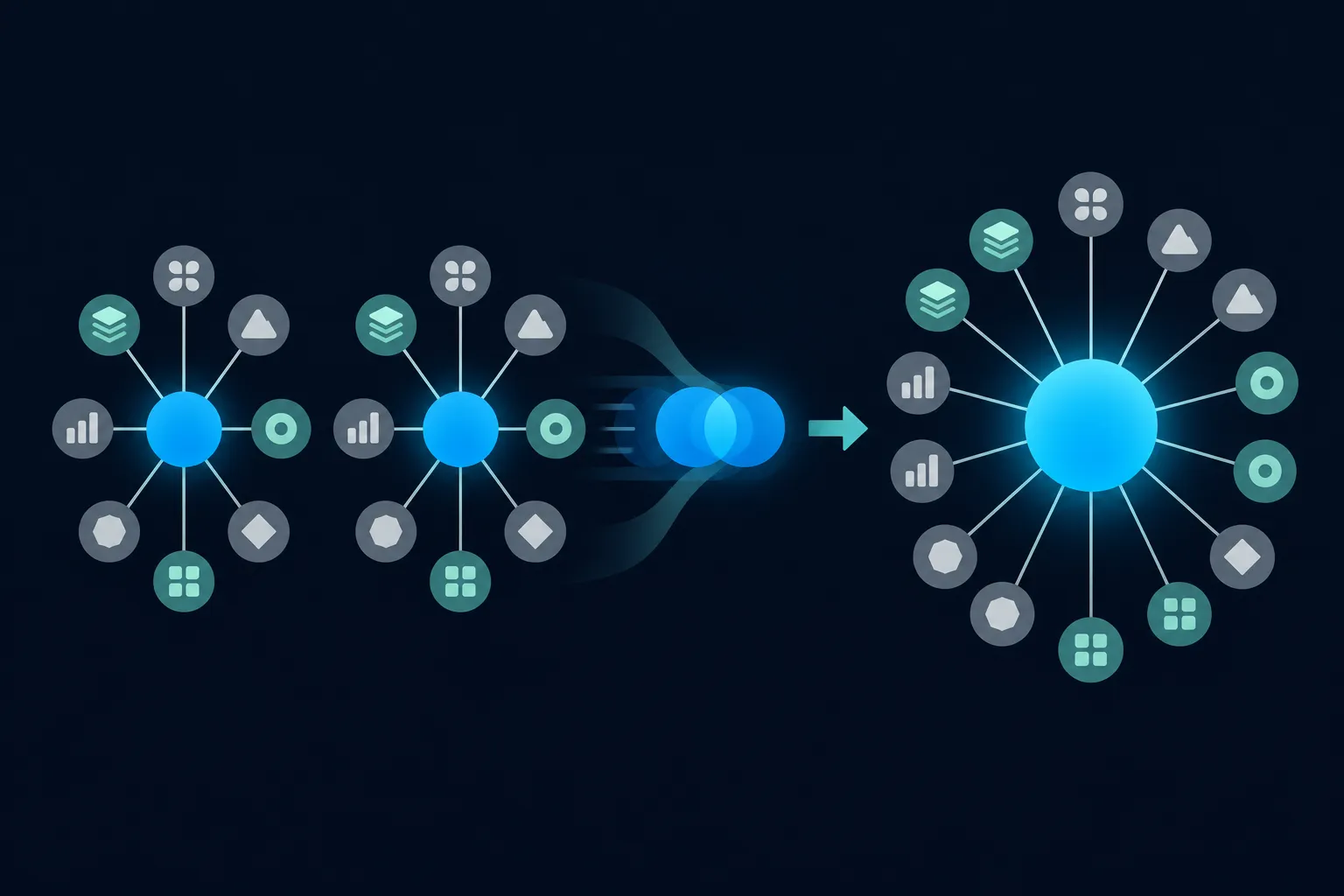
Once you choose the value, treat it as a contract. Every node that refers to the organization uses the same string, character for character: the publisher of the WebSite, the about and mainEntity of an About page, the worksFor of a Person. A trailing slash on one page, http on another or www on a third creates a second identifier, and a second identifier describes a second entity.
The most common misuse is a new identifier on every page for what is meant to be one business. Another is giving an organization node an @id that identifies a page. Keep page identifiers and entity identifiers distinct.
Three identifiers for one business (avoid)
https://example.com/about/#org
https://example.com/contact/#org
https://example.com/blog/#org

One identifier reused everywhere
https://example.com/#organization
Set the organization's url to the real homepage, the same address your canonical tag uses. Keep the name, logo and public contact details identical to what visitors see on the page and on your external profiles. Google's structured data guidelines ask that markup reflect visible content and stay accurate.
Terms the setup needs: entity, Knowledge Graph and Knowledge Panel
An entity is a distinct real-world thing, such as a company, a person, a product or a place. In the example below, the fictional company Northstar Fieldworks is an entity, and so is its team member Maya Chen. Structured data describes an entity and its relationships in a machine-readable format.
Google's Knowledge Graph is a system for representing entities and the relationships between them. Google offers a read-only Knowledge Graph Search API that returns matching entities using Schema.org types, and the documentation says it should not be a production-critical dependency. You can use it to look up how an entity is represented, but not to edit or create anything.
A Knowledge Panel is a display in Google Search that Google generates automatically when it has enough information about an entity on the open web. It may show a name, description, logo, official website and profiles. Google's help page on how its Knowledge Graph works explains that panels are not built from one site's markup alone. Official representatives can claim an eligible panel and suggest corrections through Get verified on Google. Businesses with local customers should also manage their Google Business Profile.
What belongs in sameAs
The Schema.org property sameAs holds a URL of a reference page that unambiguously identifies the same thing. Each value says that the linked profile describes the same organization, not a related one. Suitable values include:
- An official company profile on a social network.
- An official profile on an industry association site.
- A verified business-directory profile.
- A Wikidata or Wikipedia page, when it clearly represents the same organization.
- An official parent-company or brand page, when the relationship is explicit and the page identifies the same entity.
Leave out anything that is related but not identical. A homepage that belongs to a different company with a similar name does not belong, and neither does a review page about your business, since that page is not an identity profile. Partners, distributors, customers and unrelated brands are separate entities. A product, a location or a founder is a different node from the organization, so it gets its own node rather than a sameAs entry on the organization.
Also skip search-result URLs, tracking URLs and campaign URLs that may stop working. Before you add a profile, open it and compare the name, logo, location and ownership with your website. A profile that conflicts on any of those creates ambiguity, which is the opposite of what sameAs is for. Fix the profile first, then add the link.
A connected Organization, WebSite, WebPage and Person graph
The graph below connects four nodes with one organization identifier. The WebSite names the organization as its publisher, the About page sits inside the website with isPartOf, and it says it is about the organization and that the organization is its mainEntity. The Person points to the organization with worksFor. Every reference to the organization is the same @id.
This is code to adapt, using fictional values on reserved example domains. Replace every name, URL, logo path and profile link with your own real, visible facts, and never publish the Northstar details in your own JSON-LD.
{
  "@context": "https://schema.org",
  "@graph": [
    {
      "@type": "Organization",
      "@id": "https://example.com/#organization",
      "name": "Northstar Fieldworks",
      "alternateName": "Northstar",
      "url": "https://example.com/",
      "logo": "https://example.com/images/northstar-logo.png",
      "sameAs": [
        "https://social.example.org/northstar-fieldworks",
        "https://directory.example.org/organizations/northstar-fieldworks"
      ]
    },
    {
      "@type": "WebSite",
      "@id": "https://example.com/#website",
      "url": "https://example.com/",
      "name": "Northstar Fieldworks",
      "publisher": { "@id": "https://example.com/#organization" },
      "inLanguage": "en-US"
    },
    {
      "@type": "WebPage",
      "@id": "https://example.com/about/#webpage",
      "url": "https://example.com/about/",
      "name": "About Northstar Fieldworks",
      "isPartOf": { "@id": "https://example.com/#website" },
      "about": { "@id": "https://example.com/#organization" },
      "mainEntity": { "@id": "https://example.com/#organization" },
      "inLanguage": "en-US"
    },
    {
      "@type": "Person",
      "@id": "https://example.com/about/maya-chen/#person",
      "name": "Maya Chen",
      "url": "https://example.com/about/maya-chen/",
      "worksFor": { "@id": "https://example.com/#organization" },
      "sameAs": ["https://social.example.org/maya-chen"]
    }
  ]
}
Notice that the Person has its own sameAs, pointing to that person's own profile. Never put a founder's profile on the organization node. The vocabulary comes from the Schema.org pages for Organization, WebSite, WebPage and Person.
This graph is valid Schema.org vocabulary, but it is not a single Google rich-result feature. The WebSite, WebPage and Person nodes have no separate Google requirement here; they connect the entity to the pages and people that belong to it. To build the nodes without typing the JSON by hand, try the Organization schema generator or the schema graph builder, and compare other shapes in the JSON-LD schema examples.
Properties Google recommends for Organization
Google's Organization documentation says the type has no required properties. For that feature, name, url, logo, sameAs and alternateName are recommended, and address, telephone and contactPoint are recommended when they apply. Identifier properties such as legalName, taxID and vatID are also recommended when applicable. Write these as recommended, never required, in your own notes and in any client handover.
The @id is optional for that Google feature, but it is what lets the other nodes in your graph point at the organization. The same page says Organization markup can help Google understand administrative details and disambiguate an organization, and can influence visual elements such as a logo in Search or a Knowledge Panel. It does not guarantee a Knowledge Panel, a rich result, a ranking change, an AI citation or traffic.
Google says to place Organization markup on the homepage or on one page that describes the organization, not necessarily on every page. If your question is how often to repeat it, the guide on Organization schema on every page covers that choice in detail.
Where to place the markup and what your platform already outputs
Before adding a graph, find out what is already on the page. Themes, SEO plugins and store platforms often print an Organization or WebSite description, and a second block describing the same company creates two nodes with two identifiers. Open the page, view the rendered HTML, and search for application/ld+json.

On WordPress, themes and plugins print JSON-LD through the wp_head hook, so more than one extension can add a graph. Shopify's Hydrogen documents a jsonLd value in getSeoMeta, and a theme owner should inspect the rendered output before adding another Organization graph. Wix accepts JSON-LD custom markup and documents limits and validation steps in its structured data troubleshooting page.
Squarespace explains that structured-data warnings do not necessarily prevent indexing or eligibility, and its help page on SEO errors is worth reading before you override what the platform generates.
Webflow exposes page markup through its Schema Markup API. On Next.js, the JSON-LD guide recommends rendering it in layout.js or page.js and sanitizing dynamic values before they go into a script tag. On HubSpot, inspect the rendered HTML and add one custom graph only if the existing output does not already describe your organization.
Check what Google knows about your business
Two different checks answer two different questions, so run both. Searching for your organization name shows whether a Knowledge Panel exists. The Knowledge Graph Search API shows which entities Google can match to that name. Neither tells you whether your markup parsed.
- Search Google for your organization name and see whether a Knowledge Panel appears.
- If a panel exists and you are an eligible representative, use the claim or feedback option in Google's help pages.
- Query the Knowledge Graph Search API and read the returned names, types, descriptions and matching URLs.
- Compare each result with your official website, profiles, name variants, location and industry.
- Recheck after Google has had time to crawl and index your changes. A valid implementation does not force a panel or an immediate update.
Validate in order, then test each provider
Validation has several levels, and passing one does not mean passing the next. First confirm the JSON syntax is valid; Schema Nova's schema validator is one place to paste it. Then run the Schema Markup Validator for Schema.org vocabulary, which is the check that fits a graph like this one.
Next, run Google's Rich Results Test for eligibility in a Google feature, then inspect the live URL with Search Console URL Inspection. Google's debugging tools page describes both. Passing them shows how Google sees the page; it does not prove a panel or a ranking outcome.
For Bing, Bing Webmaster Tools URL Inspection includes a Markup card that shows detected JSON-LD, described in Bing's URL Inspection help. Tool availability can depend on your account and site access. For Yandex, use the Yandex structured-data validator, which checks whether markup is recognized and meets Yandex service requirements. Yandex says not every Schema.org type is supported and that parsing does not guarantee a snippet, as its semantic markup FAQ explains.
Make the entity markup readable for Bing and AI search
Bing supports Schema.org in JSON-LD, Microdata and RDFa, and its Webmaster Guidelines say structured data should reflect visible content, so the same graph serves Bing. Microsoft says Copilot web search may retrieve content through Bing Search.
To let ChatGPT search reach the site, OpenAI recommends allowing OAI-SearchBot (publishers FAQ). For Perplexity and DuckDuckGo, keep pages crawlable, visible facts accurate and canonical URLs stable. For the wider question, see whether AI systems use schema markup.
Fix duplicate graphs and unstable identifiers
Two plugins that each print an Organization graph are a common cause of conflicting output. Pick one plugin, theme setting or hand-written block to own the organization, turn off the Organization output from the others, and view the rendered HTML to confirm only one node uses your @id. If a plugin cannot reuse your identifier, change your references to match the one it prints, so every node still points at one value.
Recheck your sameAs list whenever the brand name, domain, ownership or business location changes. An old profile that still carries the former name now conflicts with your website, and a retired profile can point to nothing at all. Update the markup and the profile together, then run the validation sequence again.
Keep the markup accurate. Do not describe facts that visitors cannot see or that are not true, and do not add self-serving reviews or unrelated profiles. Accurate, consistent entity data gives search engines and AI systems less to guess about, and that is the most any markup can promise.
Questions people ask
Should Organization schema be on every page?
Google says Organization markup should usually appear on the homepage or on one page that describes the organization, not necessarily on every page. Other pages can still reference the same @id from nodes such as WebPage or Person, so the entity stays consistent.
Should an author be a Person node?
When a page names an author, a Person node with worksFor pointing at your organization's @id is valid Schema.org vocabulary. This graph has no separate Google rich-result requirement for it, so add it where it matches what visitors can see on the page.
Can I use the same organization @id on multiple pages?
Yes. The point of an identifier is reuse, and the same value on several pages tells machines those references describe one organization. Keep it identical to the character, including protocol, host and trailing fragment.
Does Bing read JSON-LD?
Bing says it supports Schema.org in JSON-LD, Microdata and RDFa, and its URL Inspection tool shows detected markup in a Markup card. Bing also says annotations do not guarantee a visual result.
Is Schema.org still useful when a Google feature does not exist?
Yes. Schema.org vocabulary and Google Search features are different layers, so a type or property can stay valid vocabulary even when a Google display feature is unavailable. Other systems may read the same markup under their own documentation.