

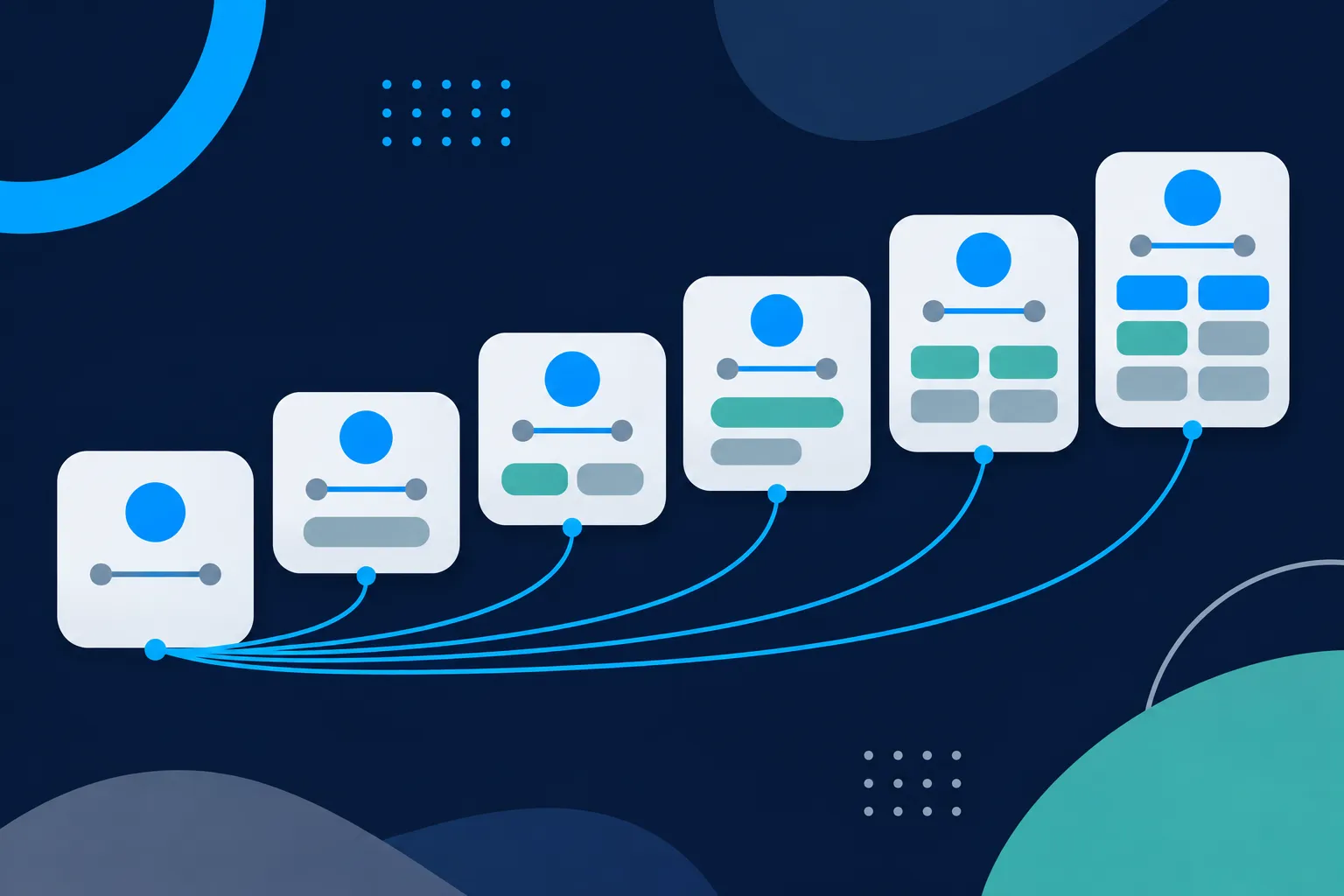
Add an Organization entity to your homepage first, using your exact public name, your canonical homepage URL, your logo and only the profile URLs that truly belong to your organization. Then add WebSite, author details where a named writer exists, the main type for each page, and BreadcrumbList where a visible breadcrumb trail exists. Product and service facts come last, and only where the page shows them.
That order is a practical priority for consistent identity and accurate page descriptions. It is not a special kind of markup for AI search. Google says AI Overviews and AI Mode have no additional technical requirements and need no special schema.org markup, and that structured data must match visible text (Google Search Central, AI features documentation).
Before you add anything, look at what your theme, plugin or platform already prints. If an Organization block exists, you will update it rather than add a second description of the same organization.
Check what your site already prints
Open your homepage in a browser, view the rendered HTML, and search for application/ld+json. Each match is a JSON-LD block. Write down the @type of every entity inside it, then repeat the exercise on one article, one product or service page and one contact or location page. Many themes, SEO plugins and store apps print Organization, WebSite, BreadcrumbList and Product data on their own, and a second copy of any of them gives crawlers two competing descriptions of the same thing.
If you look after several sites, keep one short note per site: the page URL, each block and the types it lists. That note becomes your to-do list, because it shows which items are already covered and which are missing.

Some markup is added by JavaScript after the page loads. It appears in the rendered HTML but may be missing from the raw HTML your server first sends, so look at both views. You can paste what you copy into the Schema Nova schema validator, or run a live address through the schema checker. On WordPress, the guide to schema markup on WordPress covers what themes and plugins usually output.
Add Organization to the homepage
Organization tells every consumer of your markup who operates the site. Google says Organization markup can help it understand and disambiguate an organization, and that no properties are required (Google Organization structured data). Google's November 2023 announcement describes the markup as covering the logo, URL, administrative details, knowledge panels and attribution (Google Search Central Blog).
Useful properties include name, url, logo, sameAs, email, telephone, address and legalName, plus business identifiers where they apply. Include only what the homepage or About page also shows. The Organization schema generator builds this block from your details if you prefer a form to hand-written code.
The first example below puts Organization and WebSite in one connected graph. Replace the name, URLs, logo, phone and email with your own facts, and keep only profile URLs in sameAs that belong to your organization. JSON-LD is the format Google recommends in its general structured data guidelines, and Bing's documentation says it accepts Schema.org in JSON-LD, Microdata, RDFa, Microformats and Open Graph (Bing Webmaster Tools).
<script type="application/ld+json">
{
  "@context": "https://schema.org",
  "@graph": [
    {
      "@type": "Organization",
      "@id": "https://example.com/#organization",
      "name": "Example Bakery",
      "url": "https://example.com/",
      "logo": {
        "@type": "ImageObject",
        "url": "https://example.com/images/example-bakery-logo.png"
      },
      "sameAs": [
        "https://social.example.org/examplebakery",
        "https://photos.example.net/examplebakery"
      ],
      "telephone": "+1-555-010-0142",
      "email": "hello@example.com"
    },
    {
      "@type": "WebSite",
      "@id": "https://example.com/#website",
      "url": "https://example.com/",
      "name": "Example Bakery",
      "publisher": {
        "@id": "https://example.com/#organization"
      },
      "inLanguage": "en-US"
    }
  ]
}
</script>
The @id values are stable labels, not pages you need to build. Every other node on the site points back to https://example.com/#organization, so pick the value once and never change it. The WebSite entity carries the canonical URL and the site name. Google says it continues to use a variation of WebSite structured data for site names, even though the sitelinks search box was retired in November 2024 (Google Search Central Blog, October 2024).
Keep the markup accurate for AI answers and Bing
A page has to be indexed and eligible for normal Search to appear in Google's AI features, and Google recommends keeping Business Profile and Merchant Center information current (Google AI features documentation). Bing says structured data may support clearer grounding but does not guarantee visibility, and it stresses clear, consistent entity names and page content that can be independently verified (Bing Webmaster Guidelines). So, describe the real organization and its pages accurately, in the same words you use on the page.
To let ChatGPT search and Perplexity reach the page, allow OAI-SearchBot and PerplexityBot in robots.txt. For the full comparison, see whether AI systems use schema markup, and for the wider answer-engine picture, schema for AEO and GEO.
The order to add markup, from identity to page facts
Work through these six steps in sequence, and stop wherever your site has nothing true to say.
OrganizationwithsameAs, on the homepage or About page.WebSite, with the canonical URL and the site name.Personor organization author data, for pages with a named writer or reviewer.- The main content type for each page, such as
Article,BlogPosting,LocalBusiness,ProductorService. BreadcrumbList, where the page has a real breadcrumb trail.- Product or service facts, only on pages that show them.
The order settles four questions any reader or machine needs answered: who operates the site, what the site is, who created the information, and what this specific page offers. Each later step adds detail to an identity the earlier steps already established.
Keep every name, URL and fact consistent
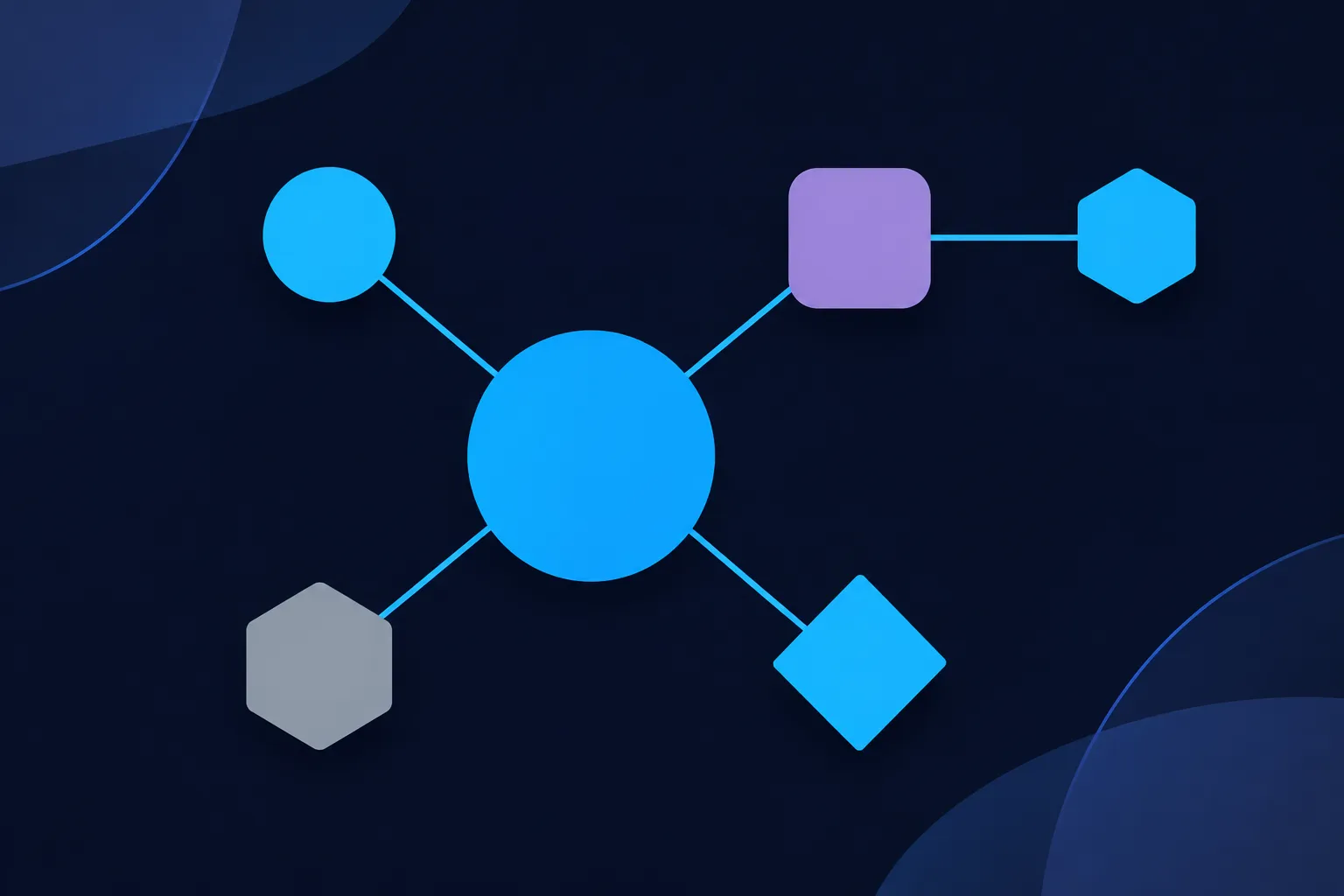
Consistency is what makes the order work. The organization name in your homepage heading, footer, Organization.name, Google Business Profile, social profiles, directories and customer documents should match closely. The main website URL should be the canonical one in Organization.url, WebSite.url, your Business Profile and your public profiles.
sameAs should hold direct URLs to the organization's real profiles. Search-result URLs, profile aggregators and unrelated pages do not belong there. Google's introduction to structured data describes using sameAs to link an entity to other pages that represent it (Google, intro to structured data). On its own, though, sameAs does not create a knowledge panel or settle every ambiguity.
Use one @id for the organization and one for each author, and reference them from every article. Address, phone number, hours, product names, prices, service areas and descriptions should agree across the visible page, the markup, Google Business Profile and other profiles. Update or remove outdated facts promptly, because a stale hours value in markup is as wrong as a stale hours value on the page. Google's guidelines require marked-up information to represent the visible page.
Connect authors, articles and breadcrumbs to the organization
Once the identity is in place, each page adds its own nodes and points back with @id. The next example adds a Person and a BlogPosting for an article. On pages where your platform prints one graph, add these nodes to the same @graph array as the first example. Replace the author, headline, description, image, dates and URLs with the real details of your article.
{
  "@context": "https://schema.org",
  "@graph": [
    {
      "@type": "Person",
      "@id": "https://example.com/about/maya-example/#person",
      "name": "Maya Example",
      "url": "https://example.com/about/maya-example/",
      "worksFor": { "@id": "https://example.com/#organization" },
      "sameAs": ["https://profiles.example.org/maya-example"]
    },
    {
      "@type": "BlogPosting",
      "@id": "https://example.com/blog/how-to-choose-a-birthday-cake/#article",
      "url": "https://example.com/blog/how-to-choose-a-birthday-cake/",
      "headline": "How to Choose a Birthday Cake",
      "description": "A practical guide to choosing a birthday cake by size, flavor, and serving needs.",
      "image": "https://example.com/images/cake-guide-16x9.jpg",
      "author": { "@id": "https://example.com/about/maya-example/#person" },
      "publisher": { "@id": "https://example.com/#organization" },
      "datePublished": "2026-05-04T09:00:00-05:00",
      "dateModified": "2026-05-18T10:30:00-05:00",
      "mainEntityOfPage": { "@id": "https://example.com/blog/how-to-choose-a-birthday-cake/" },
      "isPartOf": { "@id": "https://example.com/#website" },
      "inLanguage": "en-US"
    }
  ]
}
Google's Article documentation lists no required properties, and recommends author, the author's name and URL, datePublished, dateModified, headline and image where they apply (Google Article structured data). Use the same author name and profile URLs on the article, the author page and the author's public accounts, and never invent credentials. The Person schema generator and the Article schema generator cover both nodes.
A BreadcrumbList belongs on pages with a real breadcrumb trail, and it should follow the path a visitor would typically take, not merely a copy of the URL structure. Google requires itemListElement with at least two ListItem objects. Each needs a position and a name, and item is required except on the last crumb, where the containing page's URL can be inferred (Google Breadcrumb structured data).
{
  "@context": "https://schema.org",
  "@type": "BreadcrumbList",
  "@id": "https://example.com/blog/how-to-choose-a-birthday-cake/#breadcrumb",
  "itemListElement": [
    {
      "@type": "ListItem",
      "position": 1,
      "name": "Home",
      "item": "https://example.com/"
    },
    {
      "@type": "ListItem",
      "position": 2,
      "name": "Blog",
      "item": "https://example.com/blog/"
    },
    {
      "@type": "ListItem",
      "position": 3,
      "name": "How to Choose a Birthday Cake"
    }
  ]
}
Match the names to the words visitors see in the trail on the page. If a page has no visible breadcrumbs, skip this node, or generate one with the breadcrumb schema generator after you add the trail.
Choose the main type for each page
Every page needs one main type that describes the primary thing on it. Use Article or BlogPosting for editorial content, Product for a product detail page, and Service for a service page when the service is visibly described. Use Event, Recipe, JobPosting, VideoObject or another specific type only when the page genuinely contains that content. The types of schema markup guide lists them in more detail.
For a business location, use LocalBusiness or its most specific subtype, and only on a page that visibly describes that location. Google's Local Business documentation lists name and address as required for its Local Business feature, with telephone, image, logo, hours and similar details recommended when accurate (Google Local Business structured data). Not every organization is a local business, so an online-only publication or a shop with no public address should stay with Organization.
{
  "@context": "https://schema.org",
  "@type": "Bakery",
  "@id": "https://example.com/#localbusiness",
  "name": "Example Bakery",
  "url": "https://example.com/",
  "image": "https://example.com/images/example-bakery-storefront.jpg",
  "telephone": "+1-555-010-0142",
  "parentOrganization": { "@id": "https://example.com/#organization" },
  "address": {
    "@type": "PostalAddress",
    "streetAddress": "100 Example Avenue",
    "addressLocality": "Exampleville",
    "addressRegion": "IL",
    "postalCode": "60000",
    "addressCountry": "US"
  },
  "openingHoursSpecification": [
    {
      "@type": "OpeningHoursSpecification",
      "dayOfWeek": ["Monday", "Tuesday", "Wednesday", "Thursday", "Friday"],
      "opens": "07:00",
      "closes": "16:00"
    }
  ]
}
Swap Bakery for the subtype that fits your business, and replace the address and hours with what the page shows. Where you need a form, the local business schema generator builds the same structure.
For a product page, Google's product snippet documentation requires name plus at least one of review, aggregateRating or offers. Merchant listings additionally need image and an Offer (product snippet and merchant listing documentation). Price and availability go in only when the page shows them, and the Product schema generator helps with the shape.
{
  "@context": "https://schema.org",
  "@type": "Product",
  "@id": "https://example.com/products/example-chocolate-cake/#product",
  "name": "Example Chocolate Cake",
  "image": "https://example.com/images/example-chocolate-cake.jpg",
  "description": "A fictional 8-inch chocolate cake serving approximately 10 people.",
  "brand": { "@type": "Brand", "name": "Example Bakery" },
  "offers": {
    "@type": "Offer",
    "url": "https://example.com/products/example-chocolate-cake/",
    "priceCurrency": "USD",
    "price": "32.00",
    "availability": "https://schema.org/InStock",
    "itemCondition": "https://schema.org/NewCondition"
  }
}
Service pages work the same way. Add the service name, description, provider, area served, price information and booking details only when the page states them, and link the provider back to the organization's @id. The Service schema generator covers that type.
Add the markup on your platform
Where the code goes depends on the platform, and each one may already print some of it. Inspect the rendered HTML first, as in the first section, then pick the matching route.
- WordPress: use the theme, SEO plugin or a child-theme snippet, and follow the WordPress schema guide to avoid doubling what a plugin prints.
- Shopify: inspect the theme's existing structured data before adding another implementation.
- Wix: use the platform's JSON-LD field and avoid duplicate markup, as described in the Wix Help Center, which also covers manual markup and markup Wix generates for blog posts.
- Squarespace: look at the rendered HTML for each page type, and add custom JSON-LD only for items nothing else covers.
- Webflow: put schema in the page's schema markup field or in custom code, not both, as the Webflow documentation warns about duplicate markup.
- HubSpot: add JSON-LD in a template, using article variables such as headline, image, author and dates, as described in the HubSpot Developers Blog.
- Next.js: render the JSON-LD in a
scripttag inlayout.jsorpage.js, as shown in the Next.js JSON-LD guide.
For Next.js, escape any value that comes from a database or CMS before it reaches the HTML. A title that contains a less-than sign can otherwise break out of the script element.
export default function Page() {
  const jsonLd = {
    '@context': 'https://schema.org',
    '@type': 'WebSite',
    '@id': 'https://example.com/#website',
    url: 'https://example.com/',
    name: 'Example Bakery',
  }

  return (
    <script
      type="application/ld+json"
      dangerouslySetInnerHTML={{
        __html: JSON.stringify(jsonLd).replace(/</g, '\\u003c'),
      }}
    />
  )
}
Whichever route you take, publish one version of each entity. If a plugin or app already prints a correct Organization, leave it in place and add only the nodes that are missing.
Test the markup in four separate checks
Markup can pass one check and fail another, so test four things on their own. First, JSON syntax: is the code valid JSON? Second, schema.org vocabulary: are the types, properties and value shapes right? Third, the requirements of a Google feature that still exists, such as the Local Business or Product pages cited above. Fourth, what is actually shown. A passing result at one level says nothing about the next.
Run representative URLs through Google's Rich Results Test, and use the Schema Markup Validator for general schema.org structure. Google Search Console's URL Inspection shows whether Google can access and interpret a page. In Bing Webmaster Tools, URL Inspection has a Markup card that recognizes JSON-LD and reports what it read (Bing URL Inspection). Schema Nova's schema validator and schema checker cover the first checks before you publish.
A passing test means the markup is eligible for a feature. It does not mean the feature will be shown, that the page will rank, or that an AI answer will cite it. Google says correct markup does not guarantee a rich result, and Bing says the same about visibility. Treat a clean test as permission to publish, not as the finish line.
Monitor what search and AI answers say about you
After publishing, search for your business name, products, services, location and common customer questions in Google, Bing, AI Overviews, AI Mode, Bing Copilot and any other answer interface your customers use. Record what each says, with the exact query, the date, the response and the page that should have supported it. Behavior varies by query, location, language and date, so a dated log shows change over time better than a single check.
When an answer is wrong, correct the canonical page and the connected profiles first, then request recrawling where it makes sense. A stale phone number or a wrong price usually traces back to a page or profile that still carries it. Review the Generative AI performance report in Search Console as well, when it is available to you.
Third-party AI visibility tools can help organize those notes. No third-party tool has access to Google's internal ranking or AI systems, so treat their scores as workflow aids, not official measurements. Recheck your markup after every platform update, theme change or business change.
What to leave out
Leave out any fact the page does not show. That means ratings, reviews, prices, availability, opening hours, service areas, guarantees, credentials and affiliations. Markup that describes content visitors cannot see goes against Google's guidelines and gives every other consumer a version of your business that does not match reality.
Do not put every type on every page. A product detail page needs Product, a contact page may need LocalBusiness, and a blog post needs BlogPosting. Do not use LocalBusiness for an organization with no location to describe.
Skip markup whose purpose has ended. Google's August 2023 announcement deprecated HowTo rich results (Google Search Central Blog), and Google's documentation updates say FAQ rich results no longer appear in Google Search since May 2026 (Google Search documentation updates). FAQPage remains a valid schema.org type, but add it only to match a visible question list, never as a route to a Google display. The sitelinks search box was retired in November 2024, so it should not be on your list either.
Questions people ask
Does AI search require special schema markup?
Google says AI Overviews and AI Mode have no additional technical requirements and need no special schema.org markup (Google Search Central). Other systems document their own behavior. Accurate Organization, page-type and author markup that matches the visible page is still the sensible baseline.
Should I add Organization or LocalBusiness?
Add Organization to the homepage or About page for any site. Add LocalBusiness, or its most specific subtype, only on a page that visibly describes a business location, with name and address for Google's Local Business feature.
Does schema markup guarantee AI citations?
No. Google says it does not guarantee rankings, AI citations, rich results or traffic, and Bing's guidelines say structured data does not guarantee visibility or grounding traffic. Valid markup makes a page eligible for a feature and describes it clearly.
Is JSON-LD better than microdata?
Google recommends JSON-LD in its structured data guidelines, and Bing accepts JSON-LD, Microdata, RDFa, Microformats and Open Graph. Use JSON-LD where your platform allows, and do not print the same entity in two formats.
How do I fix wrong information about my business in AI answers?
Record the query, date and answer, then correct the canonical page and any profile that carries the wrong fact, such as a stale phone number or price. Request recrawling where appropriate, and compare answers again over the following weeks.
Do FAQ and HowTo schema still produce Google rich results?
No. HowTo rich results were deprecated in 2023, and FAQ rich results no longer appear in Google Search since May 2026. FAQPage stays a valid schema.org type for a visible list of questions.