

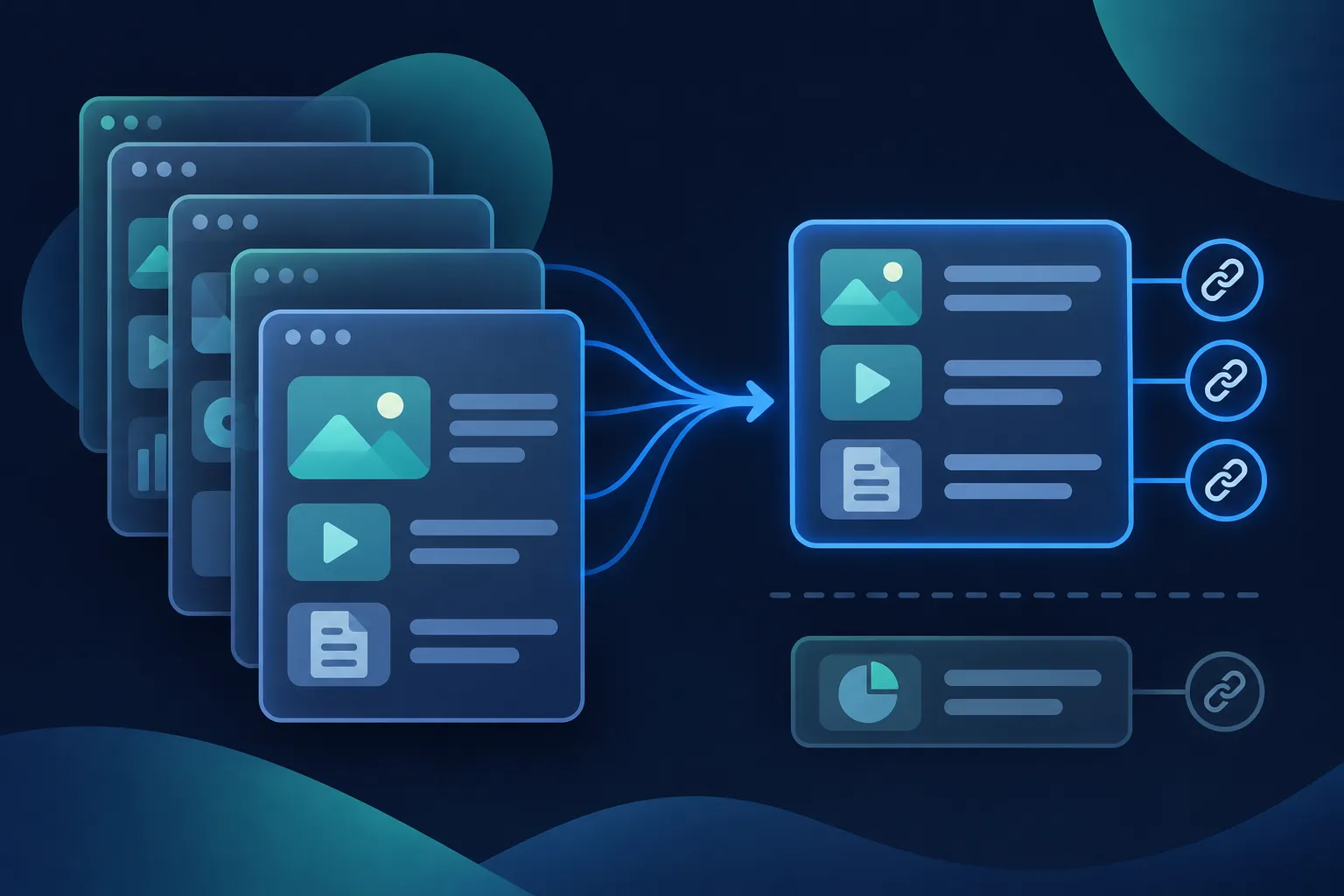
llms.txt is a proposed Markdown file, normally served at /llms.txt, that gives AI agents a short, curated map of a site's public pages. Jeremy Howard of Answer.AI first published the proposal on September 3, 2024, in the original proposal repository.
The task is practical. Pick the public pages you want an agent to find first, write them in the proposal's format, publish the file at the root of your domain, and then confirm that it loads and that every link in it opens.
It is a different file from robots.txt, which holds crawler-access rules. An llms.txt file blocks nothing and guarantees no citation or ranking. Google Search Central says Google Search ignores it (its guide to generative AI features was last updated July 10, 2026), so treat the file as optional housekeeping for the agents and services that choose to read it.
What goes inside an llms.txt file
The file is a short guide, not a copy of your site. Think of the page list a new colleague would want on their first day: what the business or project is, the handful of pages that answer most questions, and a few extras that can wait. The current proposal describes version 2 of the format, and everything below follows it.
Keep the content public, current and reader-visible. Do not put passwords, private content, unpublished claims, access rules or executable instructions in the file. Anything that a visitor could not open in a browser today does not belong in it, and anything that is out of date is worse than a missing line.
A file can sit at the root of the domain or under a path such as /docs/llms.txt. The proposal says a file applies to the URLs under its own path, and that the most specific applicable file is preferred.
The format, line by line
The proposal sets out a fixed order. First comes an optional byte-order mark, which most editors add or omit on their own. Next is one H1 that holds the project or site name, and this is the only required part of the whole file. After it comes a blockquote with a short summary, then optional prose or lists with no headings, then zero or more H2 sections that hold file lists.
Each item in a file list needs a Markdown link, and it can add a note after a colon. A section named ## Optional conventionally holds secondary links that an agent may skip when it has limited room. Here is the pattern with placeholder values.
# Site name

> Short summary explaining what the site is and how to interpret its content.

Additional context or guidance.

[[widget:llms-txt-file-sections]]

## Primary resources

- [Resource name](https://example.com/page.md): Short explanation.

## Optional

- [Secondary resource](https://example.com/secondary.md): Useful but nonessential.
Replace the H1 with your own site or business name, write the summary in one or two plain sentences, and swap each link for a real public page. The note after the colon should say what a reader gets on that page, in a few words. Put the most important pages first, and keep each link absolute, with https://, so it keeps working wherever the file is read.
Three examples to adapt
The examples below are for fictional sites on example.com. Each one follows the same pattern but groups its links to suit the site, so choose the one closest to your own and change every name, summary and URL.
The small business file leads with what a customer needs to act, and pushes background to the optional section. Replace the shop description with a true one-sentence summary, and keep the links to pages that exist on your site.
# Northstar Bicycle Repair

> Northstar Bicycle Repair is a fictional neighborhood bicycle repair shop in Austin, Texas. It repairs commuter, road, and children’s bicycles and offers appointment-based service.

## Essential information

- [Services](https://example.com/services.md): Repair, tune-up, and assembly services.
- [Pricing](https://example.com/pricing.md): Current service categories and starting prices.
- [Appointments](https://example.com/appointments.md): How to request a repair appointment.
- [Location and hours](https://example.com/contact.md): Address, opening hours, parking, and contact details.

## Optional

- [About the shop](https://example.com/about.md): Background about the fictional business.
- [Bike care guide](https://example.com/guides/bike-care.md): General maintenance advice.
A documentation site has a natural reading order, so its sections follow the order a developer would work through. Rename the sections to match your own docs, and list only pages that are live.
# Orbit API

> Orbit API is a fictional payment API. This documentation covers authentication, customers, invoices, webhooks, errors, and SDK examples.

## Start here

- [Quickstart](https://example.com/docs/quickstart.md): Make a first authenticated request.
- [Authentication](https://example.com/docs/authentication.md): API keys, bearer tokens, and permissions.
- [API reference](https://example.com/docs/api-reference.md): Endpoints, parameters, and response formats.
- [Errors](https://example.com/docs/errors.md): Error codes and recommended handling.

## Guides

- [Customers](https://example.com/docs/customers.md): Create and update customer records.
- [Invoices](https://example.com/docs/invoices.md): Create, send, and retrieve invoices.
- [Webhooks](https://example.com/docs/webhooks.md): Receive event notifications securely.

## Optional

- [SDK examples](https://example.com/docs/sdks.md): Examples for JavaScript, Python, and PHP.
- [Changelog](https://example.com/changelog.md): Product changes by release.
A blog usually has two kinds of pages worth listing: the evergreen guides that define the topic, and the recent posts. Keep the recent list short, and update it when you publish.
# Field Notes Journal

> Field Notes Journal is a fictional blog about urban gardening for apartment residents. Articles cover containers, light, watering, soil, and seasonal planning.

## Core guides

- [Container gardening](https://example.com/guides/container-gardening.md): Choosing containers and planning a small garden.
- [Indoor light](https://example.com/guides/indoor-light.md): Matching plants to available light.
- [Watering basics](https://example.com/guides/watering.md): Practical watering guidance for containers.

## Recent articles

- [Growing herbs on a balcony](https://example.com/blog/balcony-herbs.md): A beginner guide to herbs in small spaces.
- [Repotting houseplants](https://example.com/blog/repotting.md): When and how to move a plant to a larger container.

## Optional

- [About the author](https://example.com/about.md): Editorial background and contact information.
- [Newsletter archive](https://example.com/newsletter.md): Past newsletter issues.
Markdown page versions and llms-full.txt
The examples link to .md addresses because the proposal also describes clean Markdown versions of important pages. A page can expose its Markdown equivalent by adding .md to the page address, or by replacing the extension, as in https://example.com/docs/quickstart.html.md. For a directory URL, the proposal suggests index.md or index.html.md.
You do not need Markdown versions of every page to publish a useful file. If your site has none, link to the public pages you do have and keep the short notes after the colon. Webflow's documentation, for one, says its implementation covers the llms.txt file itself and not .md page variants.
When you do publish a Markdown version, the proposal suggests pointing to it from the page's HTML head with two link relations. Change the paths to match your own pages.
<link rel="alternate" type="text/markdown" href="/docs/quickstart.md">
<link rel="describedby" href="/docs/llms.txt">
The proposal does not require llms-full.txt. That name is a convention in the wider ecosystem for one large Markdown file that holds the full text of selected pages. Shopify, for example, serves one alongside its llms.txt. Create it only when your platform or workflow supports it, and keep it in step with llms.txt so the two never disagree.
Write the file
Start with the H1 and the summary, because they are the part most likely to need care. Name the site the way a visitor would, and write a summary that says what the site is and what its pages cover. If an agent needs a rule of interpretation, such as which section holds current pricing, add it as a short paragraph under the summary with no headings.
Then group your links. Two to four H2 sections are plenty for a small site. Name each section for the reader's task, such as Essential information or Start here, and put the pages that answer the most questions at the top. Each line gets one link and one short note, and the note should describe the page instead of repeating its title.
Finally, save the file as plain text in UTF-8 encoding, with the filename llms.txt. UTF-8 is a common text encoding that handles letters, symbols and multilingual content, and Webflow lists it as a requirement for its upload. If you would rather not write the file by hand, the Schema Nova llms.txt generator can build one from your own page list, and you should still read the result before you publish it.
Publish it at the site root
The file should answer at https://yourdomain.com/llms.txt, with a plain-text or Markdown-compatible response and a 200 OK status. How you get it there depends on the platform.
- WordPress: place a static file in the site root, use an SEO plugin that supports
llms.txt, or use a dedicated generator. Yoast documents an enable and customize workflow under its SEO settings. - Shopify: Shopify's documentation says the store serves
/agents.md,/llms.txtand/llms-full.txtfor agent discovery, that theme templates can customize them, and that/agents.mdis the canonical discovery URL. - Wix: Wix says it generates and maintains
llms.txt, and eligible sites can view, edit or opt out in the SEO and AI settings. - Webflow: upload the UTF-8 file under Site settings, then SEO, then LLMs.txt. Webflow documents a 100 KB limit and publishes the file at the custom-domain root.
- HubSpot, Next.js and hand-built sites: use the platform's public-file, static-asset, route or rewrite mechanism, then confirm the final public URL.
Check your platform's current help page before you follow any of these steps, because dashboard labels and limits change. If your builder is not listed, look in its SEO settings and its help pages for the same feature.
On hand-built sites, do not assume the path of the file in your project is the public address. A file in a build folder may not be copied to the live root, and a rewrite rule can send the request somewhere else. Open the live URL in a browser, because that is the only address an agent will request.
Check the live file
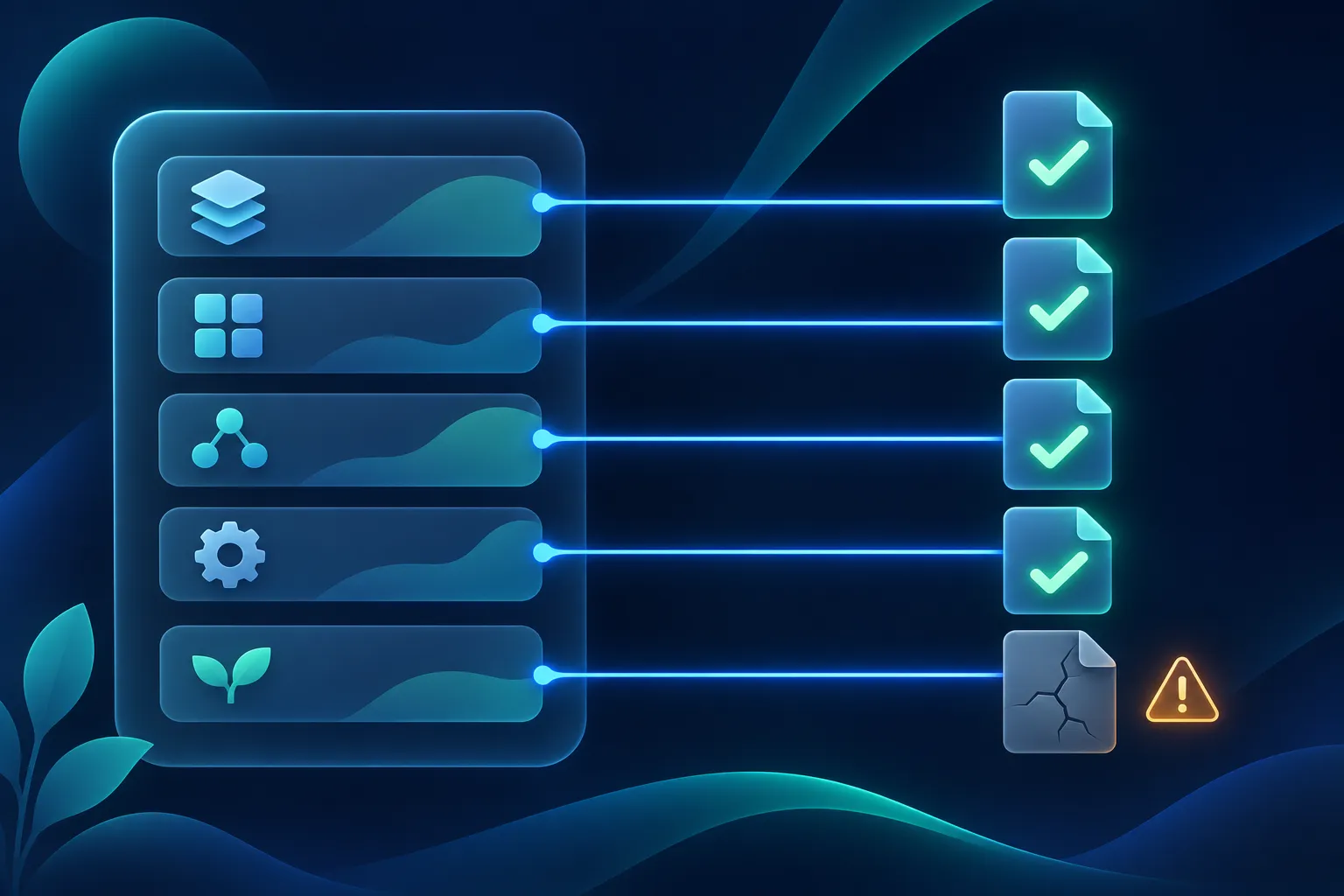
The check takes a few minutes, and the goal is to confirm that the file is reachable, well formed and accurate. Work through it in order, using a private browser window so that a logged-in session does not hide a problem.
- Open
https://yourdomain.com/llms.txtand confirm it loads without a login, a redirect loop or an HTML error page. - Confirm the response is
200 OK. Your browser's network panel or an ordinary command-line request will show the status. - Confirm the text displays as text, and that the first meaningful heading is an H1.
- Confirm the summary is a blockquote, and that resource groups use H2 headings.
- Confirm each resource line contains a Markdown link.
- Open every linked page, and remove or fix redirects, 404 errors, private pages and out-of-date pages.
- If a platform generated the file, read it and confirm it leaves out private or noindex content.
- Recheck after you publish new pages or change the site template.
Ordinary HTTP checks and a read-through are the right tools. Google's structured-data testing tools test JSON-LD and schema.org markup, not this file. A passing check tells you the file is available and well formed. It does not tell you whether any provider uses it.
Should you publish it if Google Search ignores it?
Google Search Central's guide to optimizing for generative AI features, last updated July 10, 2026, says Google Search does not use llms.txt. It adds that creating the file neither helps nor harms visibility or rankings in Google Search, and that no special AI markup or file is required for AI Overviews or AI Mode. Publishing one remains reasonable for other agents or services that follow the convention. Webflow's help page, updated August 25, 2025, describes llms.txt as experimental with limited adoption.
So, keep your public pages crawlable and readable, keep Bingbot and other crawlers able to reach them, and publish an accurate llms.txt when the upkeep is small. Do not remove it solely because one provider says it does not use the file. The guide on whether AI systems use schema markup compares what each provider says.
Where llms.txt sits next to robots.txt and schema
The file you have just written is Markdown, and it has no connection to JSON-LD. A robots.txt file is also plain text at the root, but it communicates crawler-access rules, while llms.txt proposes a curated guide to content. Writing one does not replace the other.
Structured data does a different job: it describes the entities on a page, such as an organization, a product or an article, in a form that search systems can read. If you are deciding between the two files, the guide on llms.txt versus schema markup covers that comparison in full.
For the wider question of which structured data to add first for AI-driven search, read the guide to schema markup for AI search. Your llms.txt file can stay short and stable while your pages carry the detailed markup.
Questions people ask
Should I use TXT or Markdown?
Both. The file is saved as plain text with the name llms.txt, and its contents are written in Markdown, using # for the H1, > for the blockquote summary and ## for sections. Save it in UTF-8 so that every character displays correctly.
Do I need a Markdown version of every page?
No. The proposal describes Markdown versions of important pages, but a file can link to your regular public pages instead. Add Markdown versions only for the pages where a clean text copy is worth the upkeep.
Can I create llms.txt on Shopify or Webflow?
Shopify says it serves /llms.txt for you and lets theme templates customize it. Webflow lets you upload your own UTF-8 file under Site settings, then SEO, then LLMs.txt, within its 100 KB limit. Open the live URL afterward on either platform to confirm what visitors and agents receive.
Can I put the file in a subfolder?
The proposal allows it. A file such as /docs/llms.txt applies to the URLs under its own path, and the most specific applicable file is preferred. Most small sites need only the root file.
How often should I review the file?
Review it whenever you add, rename or remove a page that it links to, and after any template change. The quickest routine is to reopen each link and read the summary once more.