

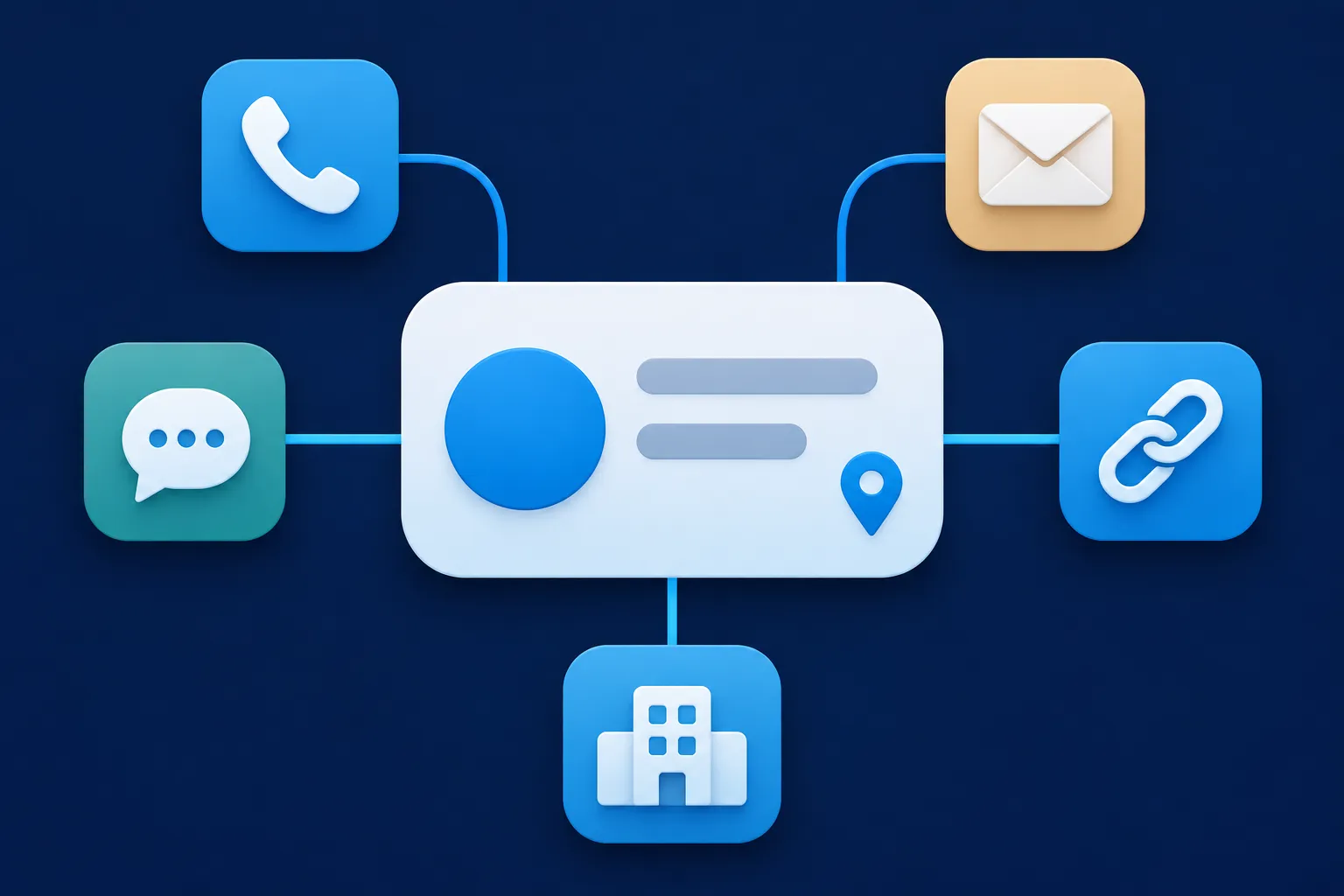
Put one Organization entity on your homepage, or on one About page that describes the business, using details that page already shows.
Google's Organization documentation lists no required properties, so every field below is a recommended one, worth adding only when it is true and visible. You do not repeat the block on every page. The steps are the same on WordPress, Shopify, Wix, Squarespace, Webflow or a hand-built site; only the place you paste the code changes.
The example company, Northstar Example Cooperative, is fictional.
What Organization schema describes
Organization is the broad Schema.org type for companies, nonprofits, schools, clubs and agencies, described with properties such as name, url, logo and sameAs. JSON-LD, the usual format, became a W3C Recommendation on July 16, 2020.
Google says Organization details can help it understand administrative facts about an organization, disambiguate it from similarly named ones, and influence visual elements such as logos, knowledge panels, merchant panels and contact information. Google's structured data guidelines (updated July 10, 2026) add that valid markup does not guarantee a search display. The same applies to rankings, rich results, AI citations and traffic.
Choose the page that carries the entity
Use the homepage, or one dedicated About or organization page that clearly describes the organization. Pick one, not both. Google's documentation does not ask for Organization markup on every page, and repeating it adds nothing a crawler needs. The every-page guide covers that question in more depth.
For a small nonprofit, the right page is usually the one that states the organization's name, mission and contact details in plain text. Whichever page you choose, its visible name, logo, contact details and profile links must agree with the JSON-LD. Google's guidelines say markup should describe content visitors can see, and that it should not be blocked by robots.txt, noindex or access controls.

Gather the name, URL and logo
Start with what the page already shows. Use name for the public name, and match the name used for the site name. Add legalName only where the registered name differs, as with "Northstar Example Cooperative, Inc." against "Northstar Example Cooperative". Add alternateName only for a genuine second name or abbreviation the organization really uses.
Set url to the canonical address of the website, and give the entity a stable @id such as https://example.com/#organization. The @id is a label that lets other markup on your site point back to this entity. Google describes @context, @type and @id as JSON-LD fields, separate from the Organization properties it recommends.
The logo needs a stable, public URL. Google's Organization documentation says the logo should be at least 112 by 112 pixels, use a format Google Images supports, be crawlable and indexable, and look appropriate on a plain white background. You can give logo as a URL or as an ImageObject with a valid url or contentUrl.
Google says logo and url help it choose a logo for Search and knowledge panels, though it can still choose another presentation. Google announced expanded Organization support in its November 2023 blog post.
Treat every Organization property as recommended
Google lists these properties as recommended when they apply: name, alternateName, url, logo, sameAs, description, email, telephone, contactPoint, address, legalName, foundingDate, numberOfEmployees, taxID, vatID, iso6523Code, leiCode, duns, globalLocationNumber and naics. Merchant policies such as hasMerchantReturnPolicy, hasShippingService and hasMemberProgram also appear in Google's list, and Google points to separate documentation for them.
None of these is required for the Organization feature. "Required" always names a consumer: a property can be required for one Google feature, such as LocalBusiness, without being required for valid Schema.org code or for another search engine.
A good rule is to leave out any property you cannot fill with a true, visible value. Do not add invented identifiers, addresses, employee counts, dates, memberships, shipping policies or return policies just to make the block look complete.
Copy a complete JSON-LD example
Here is one entity with the properties most organizations can fill. Every value is fictional and uses example domains, so replace each one with a fact from your own page, and delete any property you cannot fill truthfully.
{
  "@context": "https://schema.org",
  "@type": "Organization",
  "@id": "https://example.com/#organization",
  "name": "Northstar Example Cooperative",
  "alternateName": "Northstar Example",
  "legalName": "Northstar Example Cooperative, Inc.",
  "url": "https://example.com/",
  "logo": {
    "@type": "ImageObject",
    "url": "https://example.com/images/northstar-example-logo.png",
    "contentUrl": "https://example.com/images/northstar-example-logo.png"
  },
  "description": "Northstar Example Cooperative publishes practical educational resources for independent website owners.",
  "sameAs": [
    "https://social.example.org/company-profile",
    "https://social.example.org/northstar-example"
  ],
  "email": "hello@example.com",
  "telephone": "+1-555-010-0142",
  "contactPoint": {
    "@type": "ContactPoint",
    "contactType": "Customer Support",
    "email": "support@example.com",
    "telephone": "+1-555-010-0143"
  },
  "address": {
    "@type": "PostalAddress",
    "streetAddress": "100 Example Avenue, Suite 200",
    "addressLocality": "Example City",
    "addressRegion": "EX",
    "postalCode": "00000",
    "addressCountry": "US"
  },
  "foundingDate": "2020-04-15",
  "numberOfEmployees": {
    "@type": "QuantitativeValue",
    "minValue": 5,
    "maxValue": 10
  },
  "iso6523Code": "0199:549300EXAMPLE00000000",
  "naics": "519290"
}
The code is raw JSON-LD. On a live page it sits inside a script element, and nothing else goes in that element:
<script type="application/ld+json">
  { ...the JSON-LD above, with your own values... }
</script>
If you would rather fill in a form, the Organization schema generator builds the same kind of block from the details you enter.
Add profile links, contact details and identifiers
Use sameAs for official profiles that identify the same organization: its social accounts, a directory listing or a business-profile page it controls. Leave out pages about the organization that someone else runs, and profiles for a different entity with a similar name. The entity SEO guide goes further into how those links connect.
Add telephone, email, contactPoint and address only where they match the page. Write the phone number with country and area code. A contactPoint suits an extra channel, such as a support line, and can carry its own contactType, email and telephone. In address, addressCountry takes a two-letter ISO 3166-1 alpha-2 code, such as US.
Identifiers belong in the markup only when the organization holds them. Use vatID for a VAT number and taxID for a tax number. Google encourages iso6523Code for identifiers like these: an ICD prefix, a colon and the identifier, with 0199: for a Legal Entity Identifier (LEI), 0060: for a Dun and Bradstreet D-U-N-S number and 0088: for a GS1 Global Location Number. Google says iso6523Code and naics can help disambiguate organizations.
Choose Organization, LocalBusiness or OnlineStore
Use the most specific type that fits. A company, nonprofit, school, club or agency with no public storefront stays an Organization. An online shop can use OnlineStore, which Google gives as an example of a more specific subtype. A physical business or branch takes the most specific LocalBusiness subtype, such as Restaurant, Dentist, Store or LegalService.
Google's LocalBusiness documentation names name and a physical address as requirements for that Google feature, with telephone, URL, hours, coordinates, price range, menu and cuisine as recommended where they apply. An online-only company does not become a LocalBusiness because it serves a region.
A company with several branches describes the parent as an Organization and each location as its own LocalBusiness. The local business schema generator covers the location side, and the OnlineStore page on Schema.org defines the store subtype.
Check what your site already outputs
Before you add anything, find out whether your site already carries schema. Open the page, view the page source, search for application/ld+json and read the @type of each block you find. Themes, SEO plugins and store apps often add an Organization or WebSite entity of their own.
If one exists, edit or extend it instead of adding a second Organization block that describes the same company a second time. Check its values against your page, then add only what is missing through the plugin, theme setting or app that already outputs it. The Schema Nova schema checker can help you read what a page currently contains.
Add the block on your platform
Where the code goes depends on the platform, and each platform's own documentation has the current steps. In WordPress, an SEO plugin or the theme often already outputs organization details; the WordPress schema guide covers that check. WordPress's Custom HTML block documentation describes how placement works and notes that script content can be sanitized, so test the result in your page source.
In Wix, follow Wix's structured data troubleshooting article for the JSON-LD format, syntax and character limits. For Shopify, Squarespace and Webflow, follow each platform's current structured-data or custom-code documentation rather than steps from memory, since menus and plan features change.
On a Next.js site, the framework's JSON-LD guide shows rendering the script in layout.js or page.js and sanitizing the output. On any platform, finish by viewing the rendered page source and confirming the block appears in the served HTML. The general guide to adding schema markup covers the routes in more detail.
Validate the markup and inspect the page
Each tool checks a different level, so name the level before you trust a result. The Schema Markup Validator tests Schema.org vocabulary. Google's Rich Results Test tests eligibility for Google-supported features. Google's URL Inspection shows how Google accessed the deployed page. Bing's URL Inspection includes a Markup card for JSON-LD, and Yandex provides its own structured-data validator.
For a quick syntax and structure pass, paste your code into the Schema Nova schema validator. A passing test shows that the code is well formed or recognized by that tool. It is not a ranking, a rich result or an AI citation.
If the code validates but Google shows no visual result, check that the page is crawlable, that the markup matches the visible content, and that the page is not blocked by robots.txt, noindex or an access control. Google says valid markup does not guarantee a display, so some pages will simply show nothing different.
Make the markup readable for Bing, Apple and AI search
Bing reads Schema.org in JSON-LD, Microdata and RDFa, so one JSON-LD block serves both Google and Bing; its structured data documentation and Webmaster Guidelines say markup must reflect visible content. Apple's Technical Note TN2416 names Organization among supported Schema.org types, so allow Applebot access (App Search documentation). Yandex does not support every Schema.org type (semantic markup FAQ).
For ChatGPT and Perplexity, publish clear, current, crawlable organization details that are useful without the markup (OpenAI help article; Perplexity Pro Search). Microsoft says dynamically loaded content may be incomplete in web-grounded Copilot, so render your JSON-LD in the served HTML. For more, see whether AI systems use schema markup.
Questions people ask
Is logo required?
No. Google's Organization documentation lists no required properties, and logo is recommended when you have a suitable image. Use a stable public URL for a file of at least 112 by 112 pixels that looks right on a plain white background.
Can Organization schema improve rankings?
Google says valid structured data does not guarantee any display, and Yandex says markup does not directly affect its ranking. Organization markup describes who you are to systems that read it, and what each system does with it is up to that system.
Can I add a VAT ID, LEI or D-U-N-S number?
Add one only if the organization holds it and it can be supported on your site or in its records. Use vatID or taxID for tax numbers, and iso6523Code with the right prefix for an LEI or D-U-N-S number. Leave the property out when you have nothing true to put in it.
Should an online-only company use LocalBusiness?
Use Organization, or OnlineStore for a web shop. Serving customers across a region does not give a company the physical address that Google's LocalBusiness feature requires.
How do I know whether my site already has JSON-LD?
View the page source and search for application/ld+json. Read the @type in each block, and check whether your theme, plugin or app already describes the organization before you add anything.