

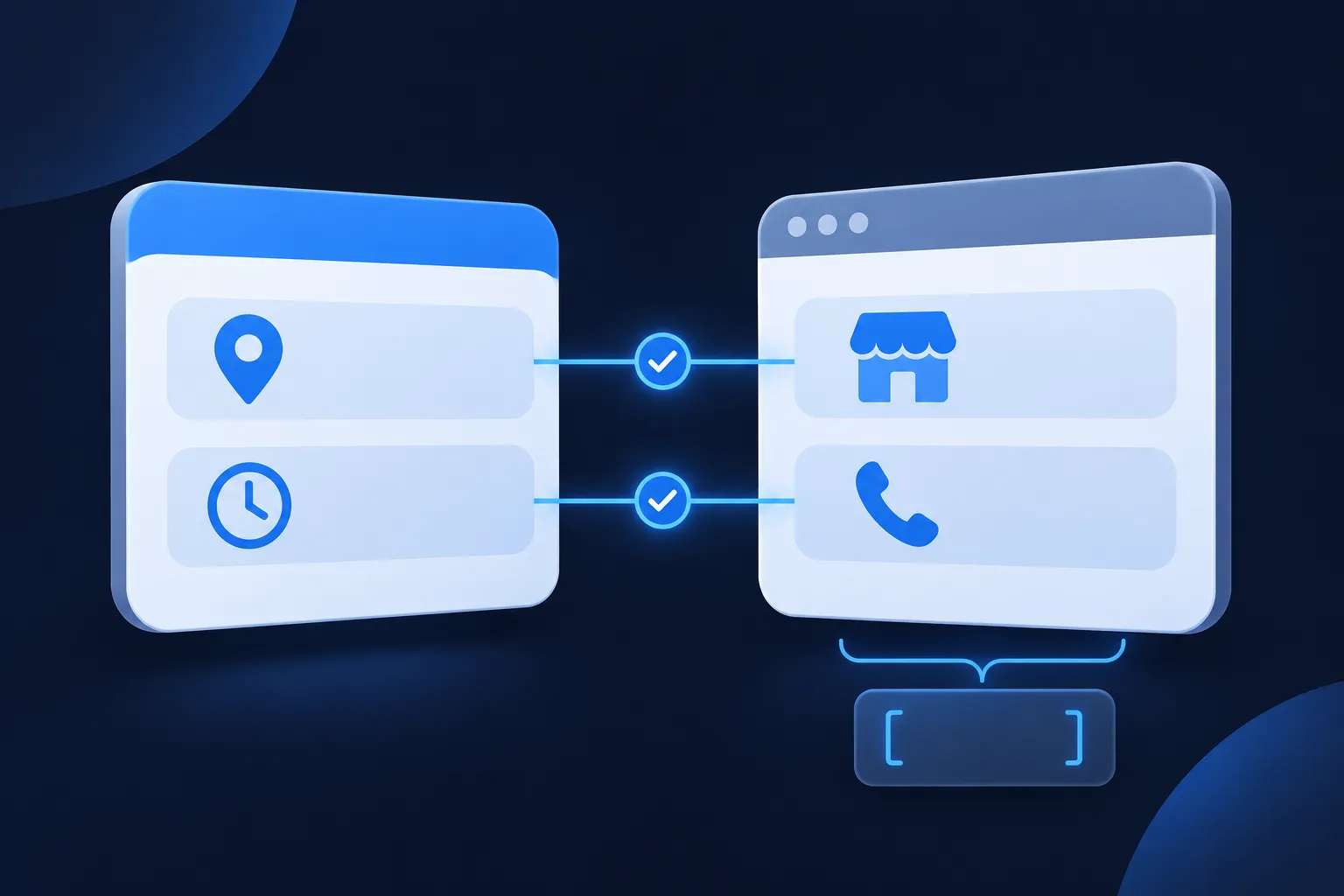
Make your own website the public record of the business, then keep its name, address, phone number, website URL, category, hours, map link and profile links identical to the verified Google Business Profile. Add one specific LocalBusiness block in JSON-LD to the page that describes the business, and test it.
The order is short. Decide which details are true, show them on the page where visitors can read them, mirror them in the markup, and edit the profile itself in Google's Business Profile tools. Website markup does not edit the profile, so every change has to be made in both places.
Consistent details help systems read the business. They do not promise a rich result, a ranking, an AI citation or traffic.
Business Profile and website markup do different jobs
Google describes the two as complementary. In its documentation on establishing business details (last updated December 10, 2025), Google says that claiming the Business Profile manages how the business appears in Google Search and Maps, while structured data on your website gives explicit clues about what a page means. Neither replaces the other. Search Console verifies that you own the website, and the profile is verified separately.
Google also says it may use publicly available business information, including the website, contact details and social profiles, when it builds its knowledge systems. That is another reason the public details should agree. Your markup is read from the page; it does not reach into the profile and change it.
To change the profile, edit it directly. Google's help page on editing your Business Profile covers the address, hours, contact information and verification. To change what the website says about the business, edit the page and its JSON-LD.
There is no separate Google Search feature for connecting a website to a Business Profile. The feature that applies is Local Business structured data, and Google last updated that documentation on September 8, 2026. It supports LocalBusiness markup for details such as name, address, hours, telephone, URL and location.
Details that must match in both places
Pick one version of each of these details and use it everywhere the business publishes it. The profile and the page should carry the same values, written the same way.
- Business name
- Physical address, when the business has one it shows publicly
- Primary phone number
- Website URL
- Business category
- Opening hours
- Map link
- Social and other profile links
NAP means name, address and phone number. Use the real-world business name that customers see, without added keywords. Write the address in one format wherever it appears, and use one primary phone number with its country and area codes. Do not invent extra locations. A service-area business should publish only an address that is eligible to be shown publicly.
Hours and category deserve the same care. If the profile says the shop closes at 5 p.m. on Friday, the page text and the openingHoursSpecification should say the same. The profile's primary category and the schema subtype you choose should describe the same kind of business, so an electrician is marked up as an Electrician, not a generic organization.

A quick way to start is to print or open the profile details beside the contact page and read down both lists. Any difference in spelling, suite number, punctuation or hours is a fix to make before you write any markup. If the business has several branches, give each its own page and its own block, as the guide to Local Business schema for multiple locations explains.
Add sameAs, hasMap and a stable @id
Three properties tie the markup to the wider web. url is the official webpage for the business. sameAs lists other pages that clearly identify the same business. hasMap is a URL to a map of the place; Schema.org defines it as a URL to a map of the place. The Schema.org data model keeps url and sameAs apart, so do not put your own homepage in sameAs or use it as a substitute for url.
Suitable sameAs targets can include the official Google Maps or Business Profile URL, official social profiles and other authoritative pages that identify this business. Unrelated directory pages and pages for a different branch do not belong. Read the Schema.org definition of sameAs and the guide to entity SEO with sameAs before adding anything unusual. sameAs describes identity; it does not synchronize the profile.
Give the business an @id as well. It is a stable identifier, usually your homepage URL plus a fragment such as #business, that other blocks on your site can point to instead of repeating the business details. The JSON-LD graph guide shows how those references connect.
A complete LocalBusiness example
The block below uses a fictional electrician on a reserved example domain. Replace every value with details that are visible on your page and accurate in your Business Profile. Google says to use the most specific applicable subtype, which is why the type here is Electrician rather than the broad LocalBusiness.
{
  "@context": "https://schema.org",
  "@type": "Electrician",
  "@id": "https://example.com/#business",
  "name": "Northstar Electric Co.",
  "url": "https://example.com/",
  "telephone": "+1-312-555-0147",
  "image": "https://example.com/images/northstar-electric.jpg",
  "address": {
    "@type": "PostalAddress",
    "streetAddress": "123 Example Avenue",
    "addressLocality": "Chicago",
    "addressRegion": "IL",
    "postalCode": "60601",
    "addressCountry": "US"
  },
  "geo": {
    "@type": "GeoCoordinates",
    "latitude": 41.8837,
    "longitude": -87.6325
  },
  "hasMap": "https://example.com/location-map",
  "sameAs": [
    "https://example.com/google-business-profile",
    "https://example.com/facebook"
  ],
  "openingHoursSpecification": [
    {
      "@type": "OpeningHoursSpecification",
      "dayOfWeek": [
        "Monday",
        "Tuesday",
        "Wednesday",
        "Thursday",
        "Friday"
      ],
      "opens": "08:00",
      "closes": "17:00"
    }
  ]
}
Change the type to the subtype that fits your business, then swap in your own name, phone number and address. The two sameAs entries are placeholders: use the real URLs of your official Business Profile and social pages. Point hasMap at your own map URL, and take geo coordinates from a real geocoding result for your address rather than typing them by hand. If the business shows a price range on the page, add priceRange too.
The Local Business schema generator builds this kind of block from a form, and the Local Business schema guide covers each property in more depth. The finished JSON goes inside a script element in the page's HTML.
<script type="application/ld+json">
PASTE THE JSON-LD OBJECT HERE
</script>
Leave out ratings, reviews, awards, addresses, hours and profile URLs that are not genuine and visible or verifiable. Google's general structured data guidelines ask for markup that represents visible, accurate content.
Required and recommended properties
For Google's Local Business feature, name and address are required. Google recommends url, telephone, geo, openingHoursSpecification and priceRange. Google recommends review and aggregateRating only for sites that capture reviews about other local businesses, so a business should not mark up its own star ratings as an easy extra.
The word "required" has a limit here. It describes eligibility for this Google feature, not a rule for every Schema.org consumer. Schema.org validity and Google feature eligibility are different standards, and hasMap and sameAs are valid Schema.org properties that Google does not list as required. Google also says that even valid markup does not guarantee a rich result.
image is optional for the Google feature but worth including when you have a real photo of the business. The Schema.org page for LocalBusiness lists the full set of properties and subtypes.
Add the block and test it
Before adding anything, look at what the site already outputs. A theme or SEO plugin may already print a business block, and a second description of the same business can conflict with the first. If one exists, update it rather than adding another. The guide to adding schema markup explains the general routes.
The installation steps depend on your platform, and each has its own guide: WordPress, Yoast and Rank Math, Shopify, Wix, Squarespace, Webflow, Next.js and React, Google Tag Manager and HubSpot.
Once the block is live, test it at several levels. First, confirm the JSON syntax is valid; the Schema Nova validator reads pasted code, and the Schema Nova checker reads a page. Second, run the page through Google's Rich Results Test for eligibility and warnings. Third, use URL Inspection in Search Console to see Google's rendered view of the live URL.
Google recommends both the Rich Results Test and URL Inspection. Passing them means the markup parses and meets the Google feature's requirements. It does not mean a result will appear. The guide to Google's structured data testing tool replacement explains which check answers which question.
Make the business readable for Bing and AI search
Bing reads JSON-LD too, so the same LocalBusiness block serves both. Test the live page in the Markup card of Bing's URL Inspection tool, and see Bing's markup documentation for what it supports. If you serve Yandex users, its structured data validator checks the same block.
To let ChatGPT search and Perplexity reach the page, keep the business details in visible text and allow OAI-SearchBot and PerplexityBot in robots.txt, as OpenAI's crawler overview and Perplexity's crawler documentation describe. A robots.txt that allows both looks like this.
User-agent: OAI-SearchBot
Allow: /

User-agent: PerplexityBot
Allow: /
Allow these only if the business wants to appear in those search features, and keep any GPTBot rule separate, since it covers a different use. JSON-LD does not guarantee inclusion or a citation in any of these systems. See whether AI systems use schema markup for the full comparison, and schema markup for AI search for the page-level steps.
Point the profile at your own domain
Google retired the simple websites it generated from Business Profiles. The old business.site and negocio.site pages redirected to the profile for a period, and those redirects ended on June 10, 2024. A Google Business Profile Community discussion quotes the original notice, and Search Engine Land reported the change on March 5, 2024 in its coverage of the redirect to Google Maps.
If the business once relied on one of those pages, the fix is a website on a domain you control, built with a site builder or CMS. Add that URL to the Business Profile, then remove old business.site links from printed materials, directories, social profiles and ads. The markup on the new site should carry the same URL as the profile.
Point every public listing at the one site you own, so the profile, directories and social pages all send visitors to the same address.
Fix mismatches between the profile and the site
When the two places disagree, start with the details a customer would notice. A phone number written with different country codes, a suite number that appears on one side only, or hours that changed in the profile but not on the page are all common. Decide which version is right, then update the other places to match.
Next, look at the markup itself. A name that adds keywords the business does not use in real life, a sameAs entry that points to a directory page or to another branch, and an old business.site URL are all worth removing. A block copied from a plugin and a block added by hand can also describe the same business twice, so keep one.
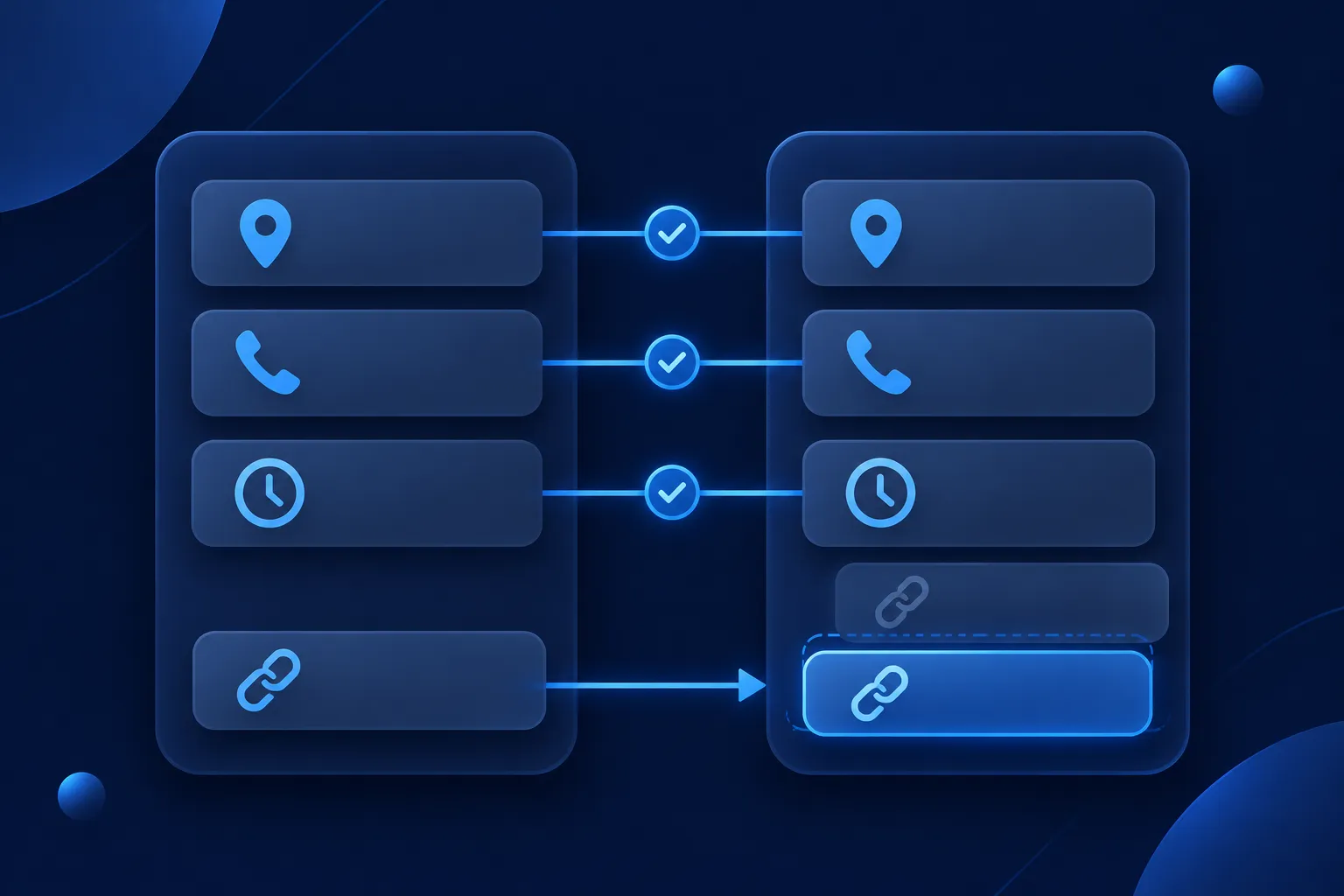
Finally, schedule the habit that keeps the two systems aligned. Whenever the business changes its hours, moves, adds a phone line or changes its website URL, update the profile in Google's Business Profile tools and update the page and its JSON-LD in the same sitting. Then run the Rich Results Test and URL Inspection again on the live page.
Questions people ask
Does website schema update my Google Business Profile?
No. Google says the profile is managed through claiming and verifying it, while website markup gives explicit clues about the page. Edit the profile in Google's Business Profile tools, and keep the website and its markup in step by hand.
Should my business name and address match exactly?
Yes, in substance. Use the real-world name customers see, one address format and one primary phone number with country and area codes. Do not add keywords to the name or publish an address that is not eligible to be shown publicly.
What should I put in sameAs, and is my Google Maps URL suitable?
Use official pages that clearly identify the same business, such as the official Google Maps or Business Profile URL and official social profiles. Leave out unrelated directories and pages for a different branch. Keep your own homepage in url, not sameAs.
Is LocalBusiness markup required for local SEO?
Google lists name and address as required for its Local Business feature, but that describes eligibility for the feature, not a general requirement. The Business Profile is edited separately. Valid markup helps systems read the business and does not promise a ranking.
Can I add reviews from my Business Profile to the markup?
Google recommends review and aggregateRating only for sites that capture reviews about other local businesses. Do not add ratings or reviews that are not genuine and visible on the page.
Does Bing support JSON-LD?
Bing says it supports Schema.org markup in JSON-LD. Its URL Inspection tool has a Markup card that recognizes JSON-LD, so you can test the live page there as well as in Google's tools.