


Use the most specific true business type for your trade, such as GeneralContractor, Plumber or RoofingContractor, then add one Service for each main job and an areaServed value for the places you cover.
If customers visit your office or shop, include that real address. If you travel to customers and have no public storefront, leave the address out instead of inventing one. Your services and territory can still be described accurately, and the visible page text should name the same ones.
Google's LocalBusiness feature requires name and address (Google Search Central, current documentation), so a business without a publishable address cannot meet that feature's requirements. Schema.org vocabulary and other consumers, including Bing, are separate matters.
Choose the business type that is true
Schema.org defines HomeAndConstructionBusiness for a business that provides services around homes and buildings, and its narrower subtypes describe individual trades. Pick the narrowest one that is accurate for your company (Schema.org HomeAndConstructionBusiness):
GeneralContractorfor building and remodeling work across several tradesPlumber,ElectricianandHVACBusinessfor the mechanical tradesHousePainterandRoofingContractorfor finishing and exterior workLocksmithandMovingCompanyfor those services
Google's LocalBusiness documentation recommends using the most specific subtype available, which for a roofer means RoofingContractor rather than a bare LocalBusiness. A company that does several trades should use the type for its main trade and add another type only when each one is true. Describe the rest of the work with Service entities.
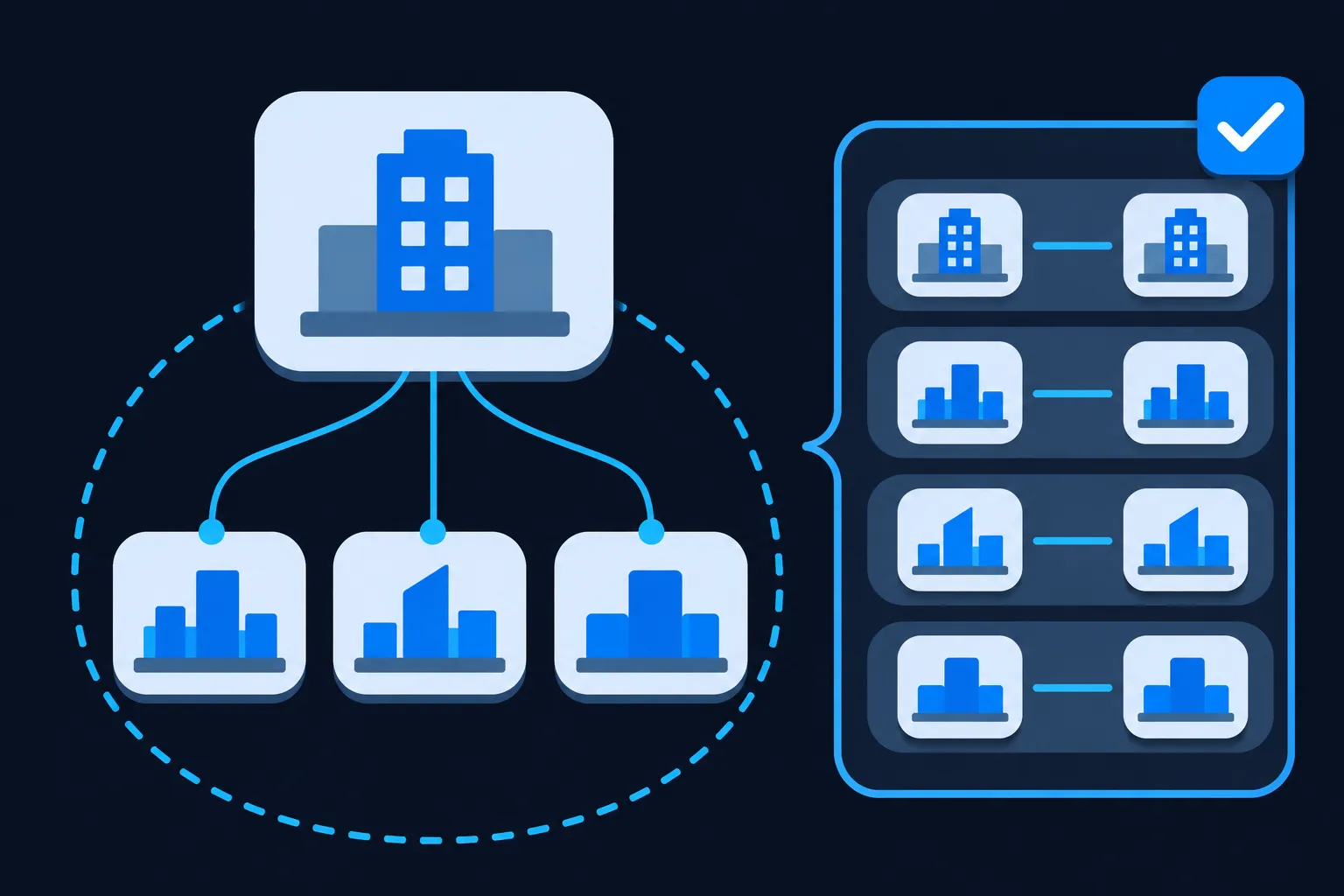
Which of LocalBusiness, Organization and Service should you use? They do different jobs, so the answer is usually a business type plus services. Organization is the general type for a company, and LocalBusiness describes a physical business or a branch of an organization. Your trade subtype sits beneath HomeAndConstructionBusiness in that family. A Service is the work the business provides, so it is a separate node connected to the business with provider, never a replacement for the business type. The local business schema guide covers the storefront fields in more depth.
Add one Service for each main service
Service describes a service provided by an organization. Each main job on your site, such as kitchen remodeling or water heater replacement, gets its own node. These properties do the work for a contractor:
name: the customer-facing service namedescription: a concise explanation that also appears on the pageprovider: the business that provides the serviceareaServed: the territory for this particular serviceserviceType: the category of serviceurl: the visible page for the servicehasCertification: certification information about the service, where one applies
Connect each service to the business with @id values. The business node gets an @id such as https://example.com/#business, and each Service points back to it in provider. The JSON-LD graph guide explains how those references work when several entities share one script. The business node can also list its services through makesOffer, as the full example later does.
The details come from pages you already have: service pages, a license record and a list of towns. Gather them before you write code, because every value in the markup should match something a visitor can read.

Schema Nova's Service schema guide goes deeper on the properties, and the Service schema generator builds the JSON-LD from the details you enter.
Describe service areas with areaServed
areaServed identifies the geographic area where a business or a service is provided. It accepts text, an administrative area, a place or a geographic shape. For a contractor, that means real cities, counties, ZIP code areas, or a radius expressed as a GeoCircle. List only places you actually serve.
You can attach areaServed to the business, to each Service, or to both. Use the service-level value when different services have different territories, for example when you install roofing across two counties but only do emergency repairs in one city. The business-level value then describes the overall territory.
Whatever you place in the markup should appear in visible text as well. Google's general structured data guidelines call for markup that is accurate and matches content people can see. So, write the service areas on the service page or an area page first, then mirror them in areaServed. A territory that exists only in JSON-LD is not enough.
Decide what to do about the address
A business with a public location, such as a shop or office customers visit, should include its real address and follow Google's LocalBusiness requirements. The local business schema generator covers that case.
A contractor who travels to customers can describe its territory without publishing a customer-facing storefront address. A workable structure looks like this:
- Describe the business with an accurate home services type.
- Add
areaServedusing actual cities, counties, regions or a geographic shape. - Add separate
Servicenodes for the main services. - Publish the same service areas in visible page text.
- Use a real address only when it is appropriate to publish and accurately represents the business.
Do not use a virtual office, a mailbox, a coworking address or a private residence just to qualify for a location-based display. A made-up address does not describe your business.
Google's LocalBusiness documentation lists name and address as required for that feature. So, a service-area business with no publishable address should leave address out of the JSON-LD and accept that the feature's requirements are not met. The Service and areaServed markup remains valid Schema.org vocabulary for other consumers.
Mark up a business with no public storefront
This fictional plumber has no street address in its markup. It names a city and a 25 kilometre radius instead. Schema.org reads geoRadius as metres unless you use a distance notation, so 25000 means 25 kilometres.
{
  "@context": "https://schema.org",
  "@graph": [
    {
      "@type": "Plumber",
      "@id": "https://example.org/#business",
      "name": "Example Harbor Plumbing",
      "url": "https://example.org/",
      "telephone": "+1-555-010-0177",
      "areaServed": [
        { "@type": "City", "name": "Example City" },
        {
          "@type": "GeoCircle",
          "geoMidpoint": {
            "@type": "GeoCoordinates",
            "latitude": 40.0,
            "longitude": -100.0
          },
          "geoRadius": 25000
        }
      ],
      "makesOffer": {
        "@type": "Offer",
        "itemOffered": { "@id": "https://example.org/#water-heater-repair" }
      }
    },
    {
      "@type": "Service",
      "@id": "https://example.org/#water-heater-repair",
      "name": "Water heater repair",
      "description": "Water heater repair for homes in Example City and the surrounding area.",
      "serviceType": "Water heater repair",
      "url": "https://example.org/services/water-heater-repair/",
      "provider": { "@id": "https://example.org/#business" }
    }
  ]
}
Replace the name, domain and telephone with your own. Set the geoMidpoint to the centre of your territory, such as a city centre, and never to a home address. Use the radius only if you really serve that whole circle, and delete the GeoCircle if you prefer to name cities and counties. Every place and service in the code should also be written on the page.
Add a license only when it is real and current
Use hasCredential only for a real credential awarded to the organization or to a named person. Its expected value is a Credential, and it applies to Organization and Person. Include the credential name, the issuing body, a credential category and a public verification URL when those details exist and appear on the page.
Leave several things out. Do not mark up a license you cannot verify, an expired license as though it were current, a trade association membership as though it were a government license, or a certification held by someone who is not the business or the named professional. License requirements vary by jurisdiction and trade, so the page should name the issuing authority and the current status in visible text before you add anything to the JSON-LD.
Schema.org offers more than one property for this kind of fact. Choose the one that matches what you are describing:
hasCredential: a credential awarded to a person or an organizationhasCertification: certification information about an organization, service, place, person or productcompanyRegistration: official business registration information
Start from a complete JSON-LD example
This fictional general contractor does have a public address. It combines a business type, two Service nodes, areaServed at both levels and a real license. It carries no reviews or ratings.
{
  "@context": "https://schema.org",
  "@graph": [
    {
      "@type": "GeneralContractor",
      "@id": "https://example.com/#business",
      "name": "Example Ridge Construction",
      "url": "https://example.com/",
      "telephone": "+1-555-010-0142",
      "image": "https://example.com/images/example-ridge-construction.jpg",
      "priceRange": "$$",
      "address": {
        "@type": "PostalAddress",
        "streetAddress": "100 Example Avenue",
        "addressLocality": "Example City",
        "addressRegion": "EX",
        "postalCode": "00000",
        "addressCountry": "US"
      },
      "areaServed": [{ "@type": "City", "name": "Example City" }, { "@type": "AdministrativeArea", "name": "Example County" }],
      "hasCredential": {
        "@type": "Credential",
        "name": "Example State Contractor License",
        "credentialCategory": "Contractor license",
        "recognizedBy": {
          "@type": "Organization",
          "name": "Example State Licensing Board"
        },
        "url": "https://example.com/licenses"
      },
      "makesOffer": [
        { "@type": "Offer", "itemOffered": { "@id": "https://example.com/#kitchen-remodeling" } },
        { "@type": "Offer", "itemOffered": { "@id": "https://example.com/#bathroom-remodeling" } }
      ]
    },
    {
      "@type": "Service",
      "@id": "https://example.com/#kitchen-remodeling",
      "name": "Kitchen remodeling",
      "description": "Kitchen remodeling for homes in Example City and Example County.",
      "serviceType": "Kitchen remodeling",
      "url": "https://example.com/services/kitchen-remodeling/",
      "provider": { "@id": "https://example.com/#business" },
      "areaServed": [{ "@type": "City", "name": "Example City" }, { "@type": "AdministrativeArea", "name": "Example County" }]
    },
    {
      "@type": "Service",
      "@id": "https://example.com/#bathroom-remodeling",
      "name": "Bathroom remodeling",
      "description": "Bathroom remodeling for homes in Example City and Example County.",
      "serviceType": "Bathroom remodeling",
      "url": "https://example.com/services/bathroom-remodeling/",
      "provider": { "@id": "https://example.com/#business" },
      "areaServed": [{ "@type": "City", "name": "Example City" }, { "@type": "AdministrativeArea", "name": "Example County" }]
    }
  ]
}
Replace every value with information that is visible on your page. Remove priceRange unless you show a price range, remove hasCredential unless the license is real and current, and remove address and image if you do not publish them. The two Service nodes carry their own areaServed, which lets a service with a smaller territory differ from the business as a whole.
Google's LocalBusiness documentation requires name and address, and recommends telephone, url, image and priceRange. It also recommends openingHoursSpecification when hours are published and accurate, and geo when the physical location is public. It lists areaServed, Service nodes, hasCredential and makesOffer as optional for that feature. They are valid Schema.org vocabulary and may be useful to other consumers.
Add the markup on your platform
Check what your platform already outputs before pasting another block, because a second description of the same business can conflict with the first. The duplicate schema markup guide explains how to spot and resolve overlap.
Wix says it adds Local Business markup automatically when you supply a business name and location, and it offers custom markup controls for your own JSON-LD (Wix support, Customizing Your SEO Settings and Troubleshooting Your Structured Data Markup). Squarespace says it automatically generates non-editable LocalBusiness and Organization structured data (Squarespace help). Shopify says current themes automatically include microdata (Shopify help).
On WordPress, Webflow, HubSpot and similar platforms, use the platform's current custom code or SEO markup controls, then validate the rendered page after you publish. Schema Nova has platform guides for WordPress, Wix, Squarespace, Shopify and Webflow.
On a Next.js site, the Next.js JSON-LD guide (updated 2026-02-27) shows rendering a script in layout.js or page.js and sanitizing dynamic values. This component prints one service. Use the same @id values as your business node so the pieces connect, and change the strings to match your page.
export default function ServicePage() {
  const jsonLd = {
    '@context': 'https://schema.org',
    '@type': 'Service',
    '@id': 'https://example.com/#kitchen-remodeling',
    name: 'Kitchen remodeling',
    url: 'https://example.com/services/kitchen-remodeling/',
    provider: { '@id': 'https://example.com/#business' },
  };

  return (
    <script
      type="application/ld+json"
      dangerouslySetInnerHTML={{
        __html: JSON.stringify(jsonLd).replace(/</g, '\\u003c'),
      }}
    />
  );
}
Test the markup before you rely on it
Two tools answer different questions. Google's Rich Results Test checks eligibility for the Google features it supports, and the Schema Markup Validator checks Schema.org vocabulary more generally (Google testing tools documentation). The Rich Results Test versus Schema Validator guide explains which to run first. Schema Nova's schema validator is another place to run the code before you publish.
Then open Bing Webmaster Tools. Bing documents support for Schema.org in JSON-LD, Microdata, RDFa and Microformats, and its URL Inspection tool has a Markup card for inspecting a page (Bing URL Inspection).
Validation finds syntax problems and documented feature issues. It does not promise a display, because no provider guarantees one. Recheck after any change.
Make the markup readable for Bing and AI search
The Bing markup page says structured data helps Bing understand page content, and DuckDuckGo says its traditional links and images largely come from Bing. The same accurate JSON-LD, next to crawlable visible content, serves both. Yandex's snippet documentation covers complete contact information for address snippets.
For ChatGPT search, OpenAI says OAI-SearchBot surfaces websites and recommends allowing it in robots.txt (OpenAI crawler documentation). Keep your business name, services, locations and service areas in ordinary page text as well. For more, see whether AI systems use schema markup.
Guides for other kinds of business
Other kinds of business have their own main questions. Schema Nova covers law firms, restaurants, medical practices, ecommerce stores and real estate in separate guides. For a contractor with several offices, the multiple locations guide shows how to describe each branch.
Questions people ask
Does a contractor without a storefront need an address in JSON-LD?
Google's LocalBusiness feature requires name and address, so a business with no publishable address cannot meet that feature's requirements. Do not add an invented or private address to qualify. Describe the services and territory with Service and areaServed, and add a real address later only if you publish one.
Can a contractor add a license with hasCredential?
Yes, when the credential is real, current and held by the business or the named person. Include the license name, the issuing body and a verification URL if one is public, and put the same details in visible text. Omit an expired or unverified license.
Does valid contractor markup guarantee a rich result?
No. Google says correct markup does not guarantee a rich result, and Bing says structured data may support clearer grounding but does not guarantee visibility. Valid markup keeps the facts clear for any consumer that reads it.
Should I add reviews or ratings?
Add them only when they are real and permitted in that context, and show them on the page. Google restricts self-serving review markup on LocalBusiness and Organization, so do not add stars to your own business node. The review schema guide explains the permitted cases.
Should I add FAQPage markup to a contractor FAQ?
Google stopped showing FAQ rich results in May 2026 and removed its FAQ documentation in June 2026 (Google Search Central updates). FAQPage remains a valid Schema.org type, so the FAQ schema guide explains where it still fits. Keep the questions visible on your page either way.