

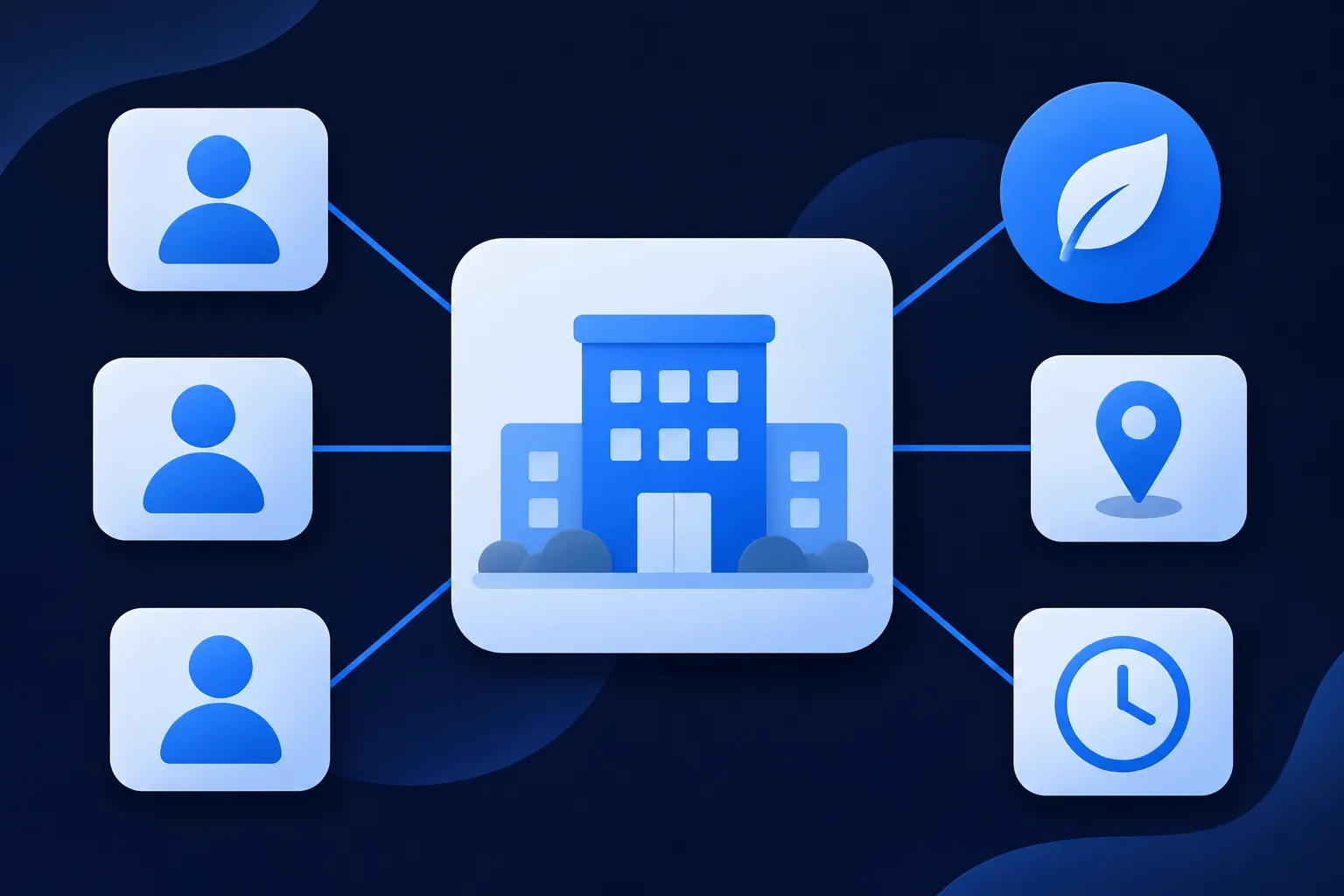
Use the most specific LocalBusiness subtype that is true for each location: Dentist for a dental practice, Physician for an individual physician's office, and MedicalClinic for a clinic or healthcare facility. Then add the specialty, one Person node for each practitioner, and a separate node for every real location.
Pick the type, enter details that appear on the page, connect doctors to the place where they work, then test the finished code. Google's Local Business feature asks for name and address, and everything else you add describes the practice more clearly to any system that reads schema.org.
Replace every value in the examples with your own, then add the code the way your platform allows, whether that is WordPress, Shopify, Wix, Squarespace, Webflow or a hand-built site. If you would rather not write the base block by hand, the LocalBusiness schema generator builds it from your details.
Choose the type that matches each location
Schema.org groups Dentist, Physician and MedicalClinic under MedicalBusiness, which is itself a kind of LocalBusiness. Google's Local Business documentation says to define each location as a LocalBusiness and to use the most specific subtype possible, so one of these three is a better answer than plain LocalBusiness.
Dentistdescribes a dentist or dental practice.Physiciandescribes an individual physician or a physician's office.MedicalClinicdescribes a healthcare facility devoted to diagnosis or care.
Choose by what the location actually is. A solo doctor's office fits Physician, while a facility where several clinicians see patients fits MedicalClinic. A dental office with three dentists is still one Dentist location. Avoid Physician for a practice that is not accurately a physician's office.
Do not use any of these practice types to describe a single doctor or dentist as a person. The practitioner is a Person, covered next, and the practice is the business that person works for. Keeping those two apart is what lets the markup match the page, where the clinic has one page and each practitioner has a profile.
For the general properties every local business carries, such as hours that run past midnight, the LocalBusiness schema guide covers them in detail. The medical subtypes inherit all of them.
Add specialties and practitioners
Add medicalSpecialty to a location when the page states the specialty. It accepts a MedicalSpecialty value such as Dentistry, Dermatology, PrimaryCare, Pediatrics or Cardiovascular. Use a specialty only where the practice really offers it, and keep it consistent with the wording a patient reads on the page.
Describe each practitioner as a Person with a public name, professional title, profile URL and the relationship to the practice. Use worksFor when the practitioner works for the practice, and affiliation when you are describing a professional affiliation instead. When the practice page identifies someone as an employee, the practice node can point back with employee.
Give every Person a stable @id built from the practitioner's own profile URL, and use that profile page as the url when one exists. Credentials, specialties and locations in the markup should match the visible profile word for word. The person and author schema guide explains how Person nodes behave on other kinds of sites.
Schema.org does not make medicalSpecialty or the practitioner relationships requirements of any Google feature. They add clarity for any consumer that processes schema.org data, which is a good reason to include them and a poor reason to expect a particular display.

Mark up one location with its practitioners
The example below describes one fictional clinic and one practitioner in a single @graph. Replace the name, URL, phone number, address, coordinates, hours and practitioner details with the facts shown on your location page. Keep the @id values, because they are what connect the clinic to the person.
{
  "@context": "https://schema.org",
  "@graph": [
    {
      "@type": "MedicalClinic",
      "@id": "https://example.com/locations/riverside#clinic",
      "name": "Riverside Family Health",
      "url": "https://example.com/locations/riverside",
      "telephone": "+1-555-010-0123",
      "medicalSpecialty": "https://schema.org/PrimaryCare",
      "address": {
        "@type": "PostalAddress",
        "streetAddress": "100 Example Avenue",
        "addressLocality": "Riverside",
        "addressRegion": "CA",
        "postalCode": "92501",
        "addressCountry": "US"
      },
      "geo": { "@type": "GeoCoordinates", "latitude": 33.9806, "longitude": -117.3755 },
      "openingHoursSpecification": [
        {
          "@type": "OpeningHoursSpecification",
          "dayOfWeek": ["Monday", "Tuesday", "Wednesday", "Thursday", "Friday"],
          "opens": "08:00",
          "closes": "17:00"
        }
      ],
      "employee": [{ "@id": "https://example.com/providers/alex-morgan#person" }]
    },
    {
      "@type": "Person",
      "@id": "https://example.com/providers/alex-morgan#person",
      "name": "Alex Morgan, MD",
      "url": "https://example.com/providers/alex-morgan",
      "jobTitle": "Family Medicine Physician",
      "worksFor": { "@id": "https://example.com/locations/riverside#clinic" }
    }
  ]
}
The clinic node carries the facts about the place, and the person node carries the facts about the doctor. Each points at the other through the shared @id values, so a reader of the data can follow the link in either direction. To add a second doctor, repeat the Person node with its own @id and add another { "@id": ... } entry to employee.
Put the JSON inside a <script type="application/ld+json"> element on the location page. The W3C's JSON-LD 1.1 specification requires valid JSON syntax and unique keys, so a stray trailing comma or a repeated key breaks the whole block. The JSON-LD graph guide explains how @graph and @id fit together.
Know which properties Google requires
For Google's Local Business feature, name and address are required, and geo and openingHoursSpecification are recommended. Those requirements apply to each marked-up location node that is meant to represent a local business. Google also says valid markup does not guarantee a rich result or better rankings.
The medical vocabulary sits on a different level. Schema.org also defines properties such as isAcceptingNewPatients, availableService, hospitalAffiliation, healthPlanNetworkId and usNPI. None of these is a requirement of Google's Local Business feature, and each belongs in the markup only when the information is public, accurate and visible on the page.
It helps to keep four meanings of "correct" apart: the JSON parses, the types and properties exist in schema.org, a particular Google feature's requirements are met, and the result is actually shown. Meeting one does not mean meeting the next. The rich results guide goes further into that last step.
Mark up several locations and practitioners
Give each physical location its own MedicalClinic, Dentist or Physician node with a distinct @id, URL, address, phone number and hours, plus coordinates when you have them. Never copy one location's hours or address into another location's markup. Each location page should carry the details for that location only.
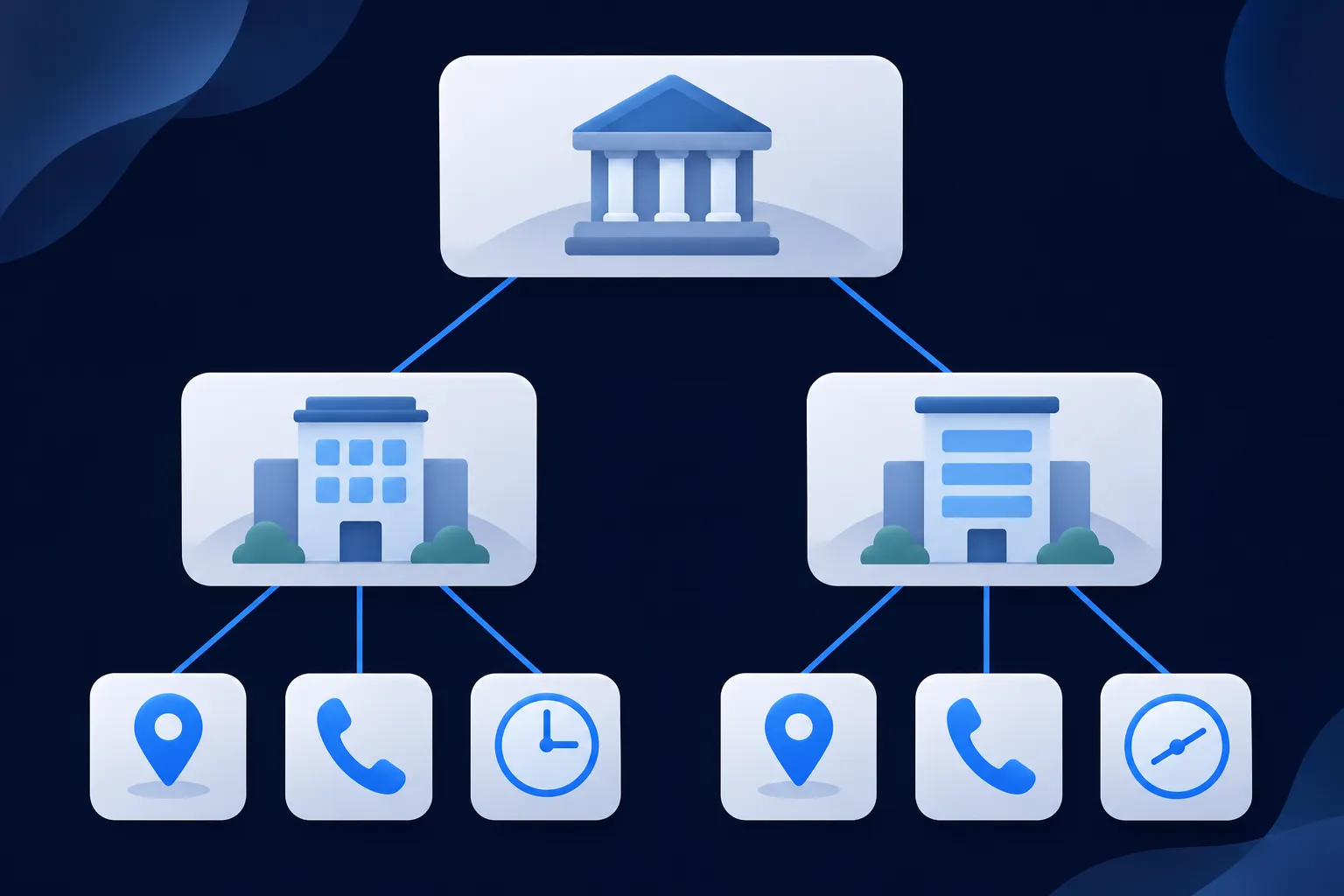
When a parent organization runs several branches, add one Organization node and connect the locations to it with location or hasPOS. Each location can point back with parentOrganization. The example below shows a fictional dental group with two offices. Replace the group name, URLs, phone numbers and addresses, and add the practitioners for each office the same way as in the previous example.
{
  "@context": "https://schema.org",
  "@graph": [
    {
      "@type": "Organization",
      "@id": "https://example.com/#organization",
      "name": "Maple Street Dental Group",
      "url": "https://example.com/",
      "location": [
        { "@id": "https://example.com/locations/north#dentist" },
        { "@id": "https://example.com/locations/south#dentist" }
      ]
    },
    {
      "@type": "Dentist",
      "@id": "https://example.com/locations/north#dentist",
      "name": "Maple Street Dental Group, North Office",
      "url": "https://example.com/locations/north",
      "telephone": "+1-555-010-0141",
      "medicalSpecialty": "https://schema.org/Dentistry",
      "address": {
        "@type": "PostalAddress",
        "streetAddress": "200 Example Road",
        "addressLocality": "Northfield",
        "addressRegion": "MN",
        "postalCode": "55057",
        "addressCountry": "US"
      },
      "parentOrganization": { "@id": "https://example.com/#organization" }
    },
    {
      "@type": "Dentist",
      "@id": "https://example.com/locations/south#dentist",
      "name": "Maple Street Dental Group, South Office",
      "url": "https://example.com/locations/south",
      "telephone": "+1-555-010-0142",
      "medicalSpecialty": "https://schema.org/Dentistry",
      "address": {
        "@type": "PostalAddress",
        "streetAddress": "300 Example Lane",
        "addressLocality": "Southport",
        "addressRegion": "MN",
        "postalCode": "55021",
        "addressCountry": "US"
      },
      "parentOrganization": { "@id": "https://example.com/#organization" }
    }
  ]
}
On the north office page, publish the north office node in full with its own details, and keep the south office's address and phone number on the south office page. Google's requirements apply to every location node that represents a local business, so each one needs its own name and address even when the group name repeats. The multiple locations guide walks through page-by-page placement, and the organization schema guide covers the parent node.
Keep medical claims accurate and visible
Medical pages affect health decisions, which is why the term YMYL, "Your Money or Your Life," is used for this kind of content. Accuracy, transparency and visible evidence matter more here than on most sites. Markup should describe only what the page displays and what the practice can support.
Google's general structured data guidelines say structured data must represent visible page content, and that misleading or hidden content can make a page ineligible for rich results. Bing's Webmaster Guidelines also point to accurate markup that matches the visible page. Markup does not replace medical review, licensing requirements, privacy compliance or patient-facing disclosures.
Keep these out of the markup unless the page supports them with a defensible basis:
- Guaranteed diagnoses, cures, outcomes, rankings or recovery.
- Specialties a practitioner does not offer.
- Board certification, hospital affiliation, awards or credentials that are not current and verifiable.
- "Best," "number one" or similar superiority claims.
- Reviews, ratings or testimonials that the practice created or cannot substantiate.
- Medical advice that does not appear in the visible content.
Real practitioner names and credentials, real specialties and services, and current locations, hours, phone numbers and appointment links belong in the markup, as long as each one is shown on the page. The review schema guide explains why ratings need real, permitted contexts.
Add the markup on your platform
Check what your theme, plugin or app already outputs before adding another block. A second description of the same location creates a duplicate rather than a better one, and it is easier to edit the existing output than to reconcile two.
Shopify's help center describes built-in structured data in its themes, so the Shopify guide starts from what the theme prints. Squarespace says it generates local-business and organization structured data (help article updated July 14, 2026), and the Squarespace guide shows how to add what is missing. Wix documents a JSON-LD format with character limits and visibility rules in its structured data troubleshooting article, covered in the Wix guide.
Webflow offers a schema field and custom code in head and body tags, and its help article (updated January 27, 2026) cautions about duplicate markup; see the Webflow guide. In Next.js, the official documentation shows rendering JSON-LD in layout.js or page.js and sanitizing serialized values, and the Next.js and React guide has the code.
For WordPress and HubSpot, use the platform's theme or custom-code route, then confirm the final rendered JSON-LD on the live page. The WordPress guide and HubSpot guide cover those routes.
A hand-built site only needs the script element in the page's HTML. This minimal version shows the wrapper around a one-location Dentist node; swap in the fuller properties from the earlier examples.
<script type="application/ld+json">
{
  "@context": "https://schema.org",
  "@type": "Dentist",
  "@id": "https://example.com/locations/lakeside#dentist",
  "name": "Lakeside Dental Studio",
  "url": "https://example.com/locations/lakeside",
  "telephone": "+1-555-010-0177",
  "address": {
    "@type": "PostalAddress",
    "streetAddress": "400 Example Street",
    "addressLocality": "Lakeside",
    "addressRegion": "OR",
    "postalCode": "97449",
    "addressCountry": "US"
  }
}
</script>
Test the markup in each tool
Run the published page through Google's Rich Results Test to check eligibility for the Local Business feature, and through the Schema Markup Validator to check the vocabulary. The first answers a Google question and the second answers a schema.org question, so each result needs reading for what it covers. The Rich Results Test and Schema Validator guide explains the difference, and the Schema Nova schema validator can check your JSON before you publish.
For Bing, open URL Inspection in Bing Webmaster Tools. Its Markup card recognizes JSON-LD, Microdata, Microformats, Open Graph and RDFa. Yandex's Structured Data Validator checks whether markup is recognized and whether it meets the requirements of Yandex services.
Recheck after any change to a location, provider, set of hours or specialty. Markup that was accurate in the spring and still lists a doctor who has left is a mismatch with the visible page. No provider guarantees a display, ranking, citation or traffic result from passing a test.
Make the markup readable for Bing, Apple and AI search
Bing says it processes Schema.org in JSON-LD, Microdata and RDFa, so the same block serves Bing (Bing structured data documentation). DuckDuckGo says most traditional links and images are largely sourced from Bing (DuckDuckGo result sources). Yandex supports Schema.org but not every type (Yandex markup FAQ). Apple's Applebot documentation covers crawling, rendering and robots directives for Spotlight and Siri search.
For ChatGPT search, OpenAI says OAI-SearchBot surfaces websites and that sites that opt out will not be shown in its answers (OpenAI crawler documentation), so allow it in robots.txt. Perplexity documents its crawler and robots controls in its bots guide. Keep important facts visible in the HTML and consistent across pages. See whether AI systems use schema markup.
Questions people ask
Should a dentist use Dentist or Physician?
Use Dentist for a dental practice. Physician describes an individual physician or a physician's office, so it is the better match for a medical doctor's practice. The individual dentist or doctor is a Person in both cases.
Can I use Person schema for a doctor?
Yes. A Person node can carry the doctor's public name, title, profile URL and a worksFor link to the practice. Give it a stable @id based on the profile URL so other nodes can point to it.
Is medicalSpecialty required by Google?
No. For Google's Local Business feature, name and address are the required properties. medicalSpecialty is a schema.org property that adds clarity for consumers that read schema.org, so add it when the page states the specialty.
Is FAQ markup still shown in Google?
Google says the FAQ rich result stopped appearing in Search on May 7, 2026, and removed the feature documentation in June 2026. An FAQ section can stay on the page as visible content for readers and for other systems. Do not add the markup expecting a Google display.
Can schema markup guarantee better rankings?
No provider offers that guarantee. Google and Bing both say valid markup does not guarantee a rich result, and Yandex says markup does not directly affect ranking. Treat it as an accurate description of your page, tested in each tool you care about.