


Organization schema: what to include and where it goes
Choose the page, fill in the name, logo, profile links and contact details, then validate the JSON-LD.
Start with the task in front of you: add markup to a page, choose the right type, set it up on your platform, or fix a warning from a testing tool. Every guide has example code to adapt and a link to the tool that builds it.
Choose the page, fill in the name, logo, profile links and contact details, then validate the JSON-LD.
Give each branch its own page and LocalBusiness entity, connect them to one parent Organization, and test every page.

Choose a subtype, enter your name, address, phone and hours once, add the JSON-LD to the location page and test it.

What the Knowledge Graph and Knowledge Panels are, what Organization markup can add, and how to claim or correct a panel through Google's steps.

Choose one organization @id, connect your WebSite, WebPage and Person nodes, add only precise sameAs links and test the live page.

What llms.txt, schema markup, robots.txt and XML sitemaps each do, how they fit together, and how to test them.
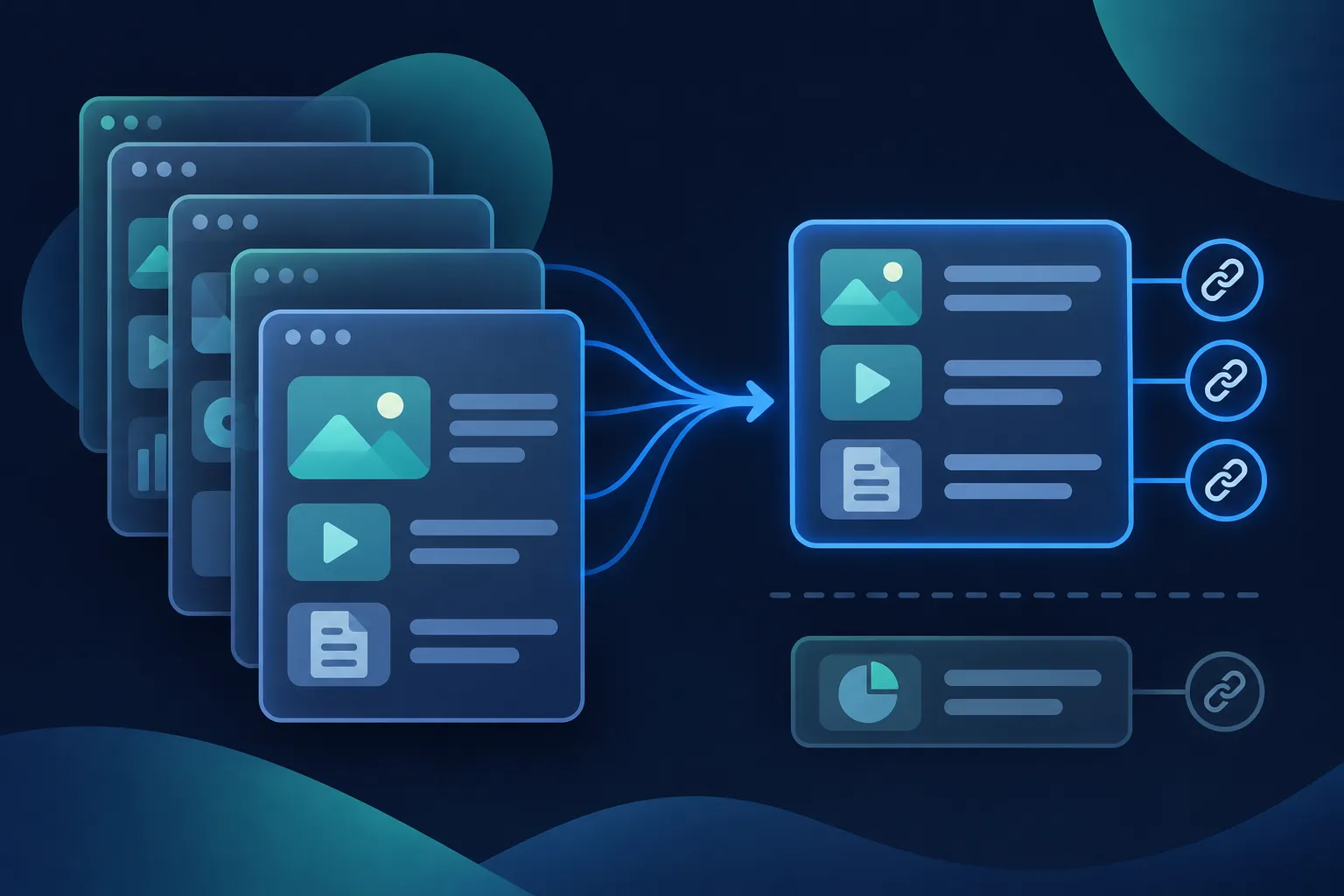
The format of the proposed llms.txt file, three examples to adapt, how to publish it at your site root and how to check that it works.

What AEO and GEO change on a small site, what structured data can and cannot do, and how to check the live page.

A practical order for adding schema markup: organization identity, site and author details, page types and breadcrumbs, with tests for each step.
When Google, Bing or schema.org change a requirement or add a property, the blog explains what changed and what to update on your pages, with links to the guides it affects.